
 PLUGIN COMPARISIONS
Not every WordPress drip content plugin is solving the same problem. Some are built for subscription businesses. Some are LMS platforms that happen to include drip as one of fifty features. Some are lightweight tools that do one thing well. The right choice depends entirely on what you’re actually building.
Here are five of the most-used options in 2025 — what each one does, what it costs, and who it’s actually for.
Pricing: $179–$399/year
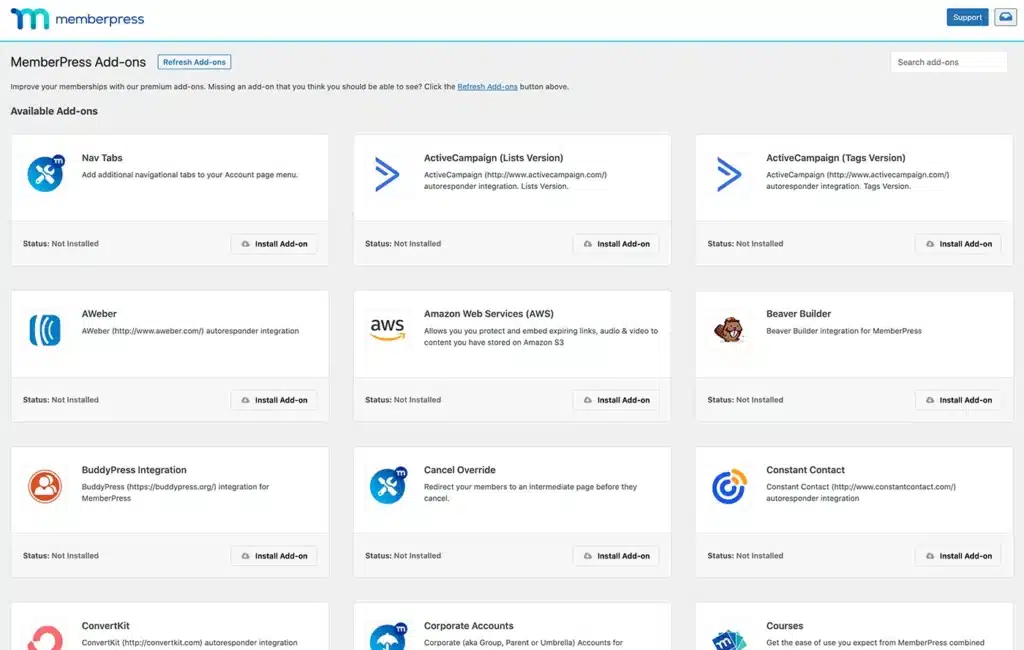
MemberPress is a full membership platform. It handles recurring payments, access tiers, drip sequencing, and course sales all in one plugin. The drip feature releases content a set number of days after a member’s signup date, which works well for subscription-based programs.
Pros: Payments, access control, and drip in one place. Mature plugin with extensive documentation. Works with Stripe, PayPal, and Authorize.net out of the box.
Cons: Expensive for simple use cases. Significant setup time. Overkill if you don’t need the payments layer — you’re paying for infrastructure you won’t use.
Best for: Subscription membership sites, recurring billing, large content libraries with multiple access tiers.
Pricing: $99–$249/year (now part of the iThemes/Lasso ecosystem)
Restrict Content Pro (RCP) is a developer-friendly membership plugin with a clean codebase and solid hooks. It restricts content by membership level and integrates with payment gateways. Drip content is available via an add-on on higher-tier plans.
Pros: Clean architecture. Good for developers who want to extend it. Lower entry price than MemberPress.
Cons: The drip add-on is not on the base plan. Setup requires real WordPress knowledge. Not ideal for non-technical course creators.
Best for: Developers building custom membership sites who want a flexible foundation to extend.
Pricing: $199/year (site licence)
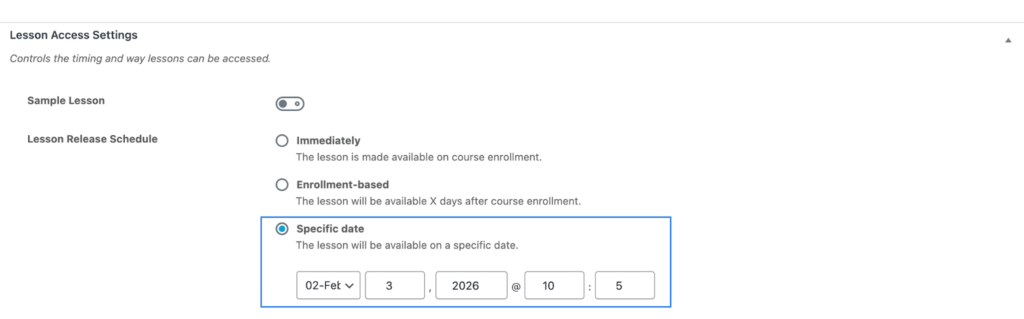
LearnDash is the leading WordPress LMS. It includes quizzes, certificates, progress tracking, group management, and drip content sequencing. The drip feature releases lessons a set number of days after course enrolment or on a fixed schedule.
Pros: Comprehensive. If you need quizzes, certificates, and drip together, nothing beats it for WordPress. Large community and ecosystem.
Cons: $199/year for what is, at its core, a very complex plugin. Significant learning curve. Unnecessary if you don’t need the assessment features.
Best for: Multi-course platforms, corporate training, academic-style courses with formal assessments.
Pricing: $199/year (WooCommerce extension)
WooCommerce Memberships adds membership access control on top of WooCommerce. The companion plugin WooCommerce Subscriptions ($279/year) adds recurring billing. Together they cover the subscription + drip use case — but the combined cost is substantial and you’re committed to WooCommerce as your entire checkout and access layer.
Pros: Deep WooCommerce integration. Works with every WooCommerce payment gateway. Familiar UI for shops already running WooCommerce.
Cons: Expensive when stacked. Heavy dependency on WooCommerce. Not suitable for sites that want to keep checkout separate from content access.
Best for: WooCommerce stores that want to add a membership layer to an existing shop.
Pricing: Free
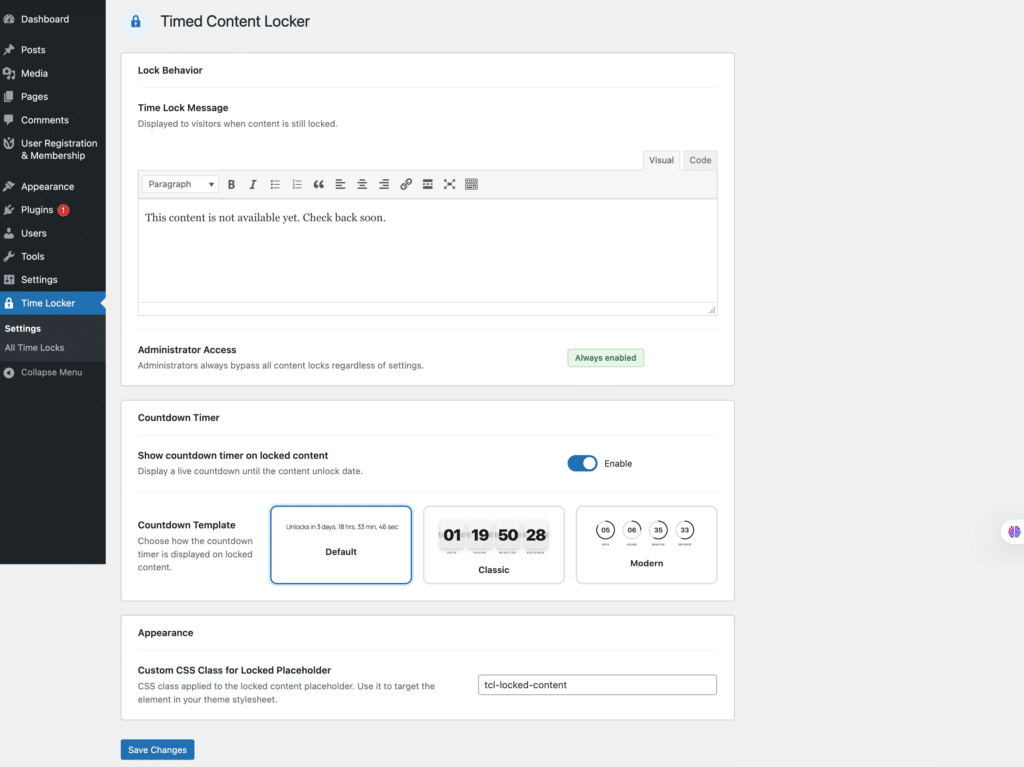
Timed Content Locker does one thing: locks any WordPress post or page until a date you choose. No payments layer, no membership tiers, no LMS to configure. You set an unlock date (or a number of days after registration) per post, directly from the block editor sidebar.
It supports both fixed-date unlocking for cohort courses and registration-relative unlocking for evergreen self-paced courses. The locked screen shows a custom message with an optional live countdown timer and a call-to-action button. Administrators are never locked out.
Pros: Free. 15-minute setup. No dependency on payment systems or LMS infrastructure. Works on any WordPress post or page. Two unlock modes cover both cohort and evergreen use cases.
Cons: No payment processing. No quiz or certificate features. No per-student progress dashboard. This is intentional — it’s a focused tool, not a platform.
Best for: Course creators, coaches, and community managers who want drip content without the overhead of a full membership plugin. Ideal when checkout is already handled elsewhere.
If you need payments + access control + drip in one system: MemberPress or WooCommerce Memberships depending on your shop setup. If you need quizzes, certificates, and progress tracking: LearnDash. If you’re a developer building something custom: Restrict Content Pro. If you just need content to unlock on a schedule and your checkout is already sorted: Timed Content Locker is free, takes 15 minutes, and gets out of your way.