
 UNCATEGORIZED
WordPress doesn’t include native avatar uploads — it relies on Gravatar, which forces every user to create an external account just to show a profile picture. The Advanced User Avatar plugin removes that dependency entirely. Users can upload, crop, and display a custom profile picture directly from their device — no third‑party account needed.
Currently at version 1.2.1 · 200+ active installs · 5/5 stars · Tested up to WordPress 7.0
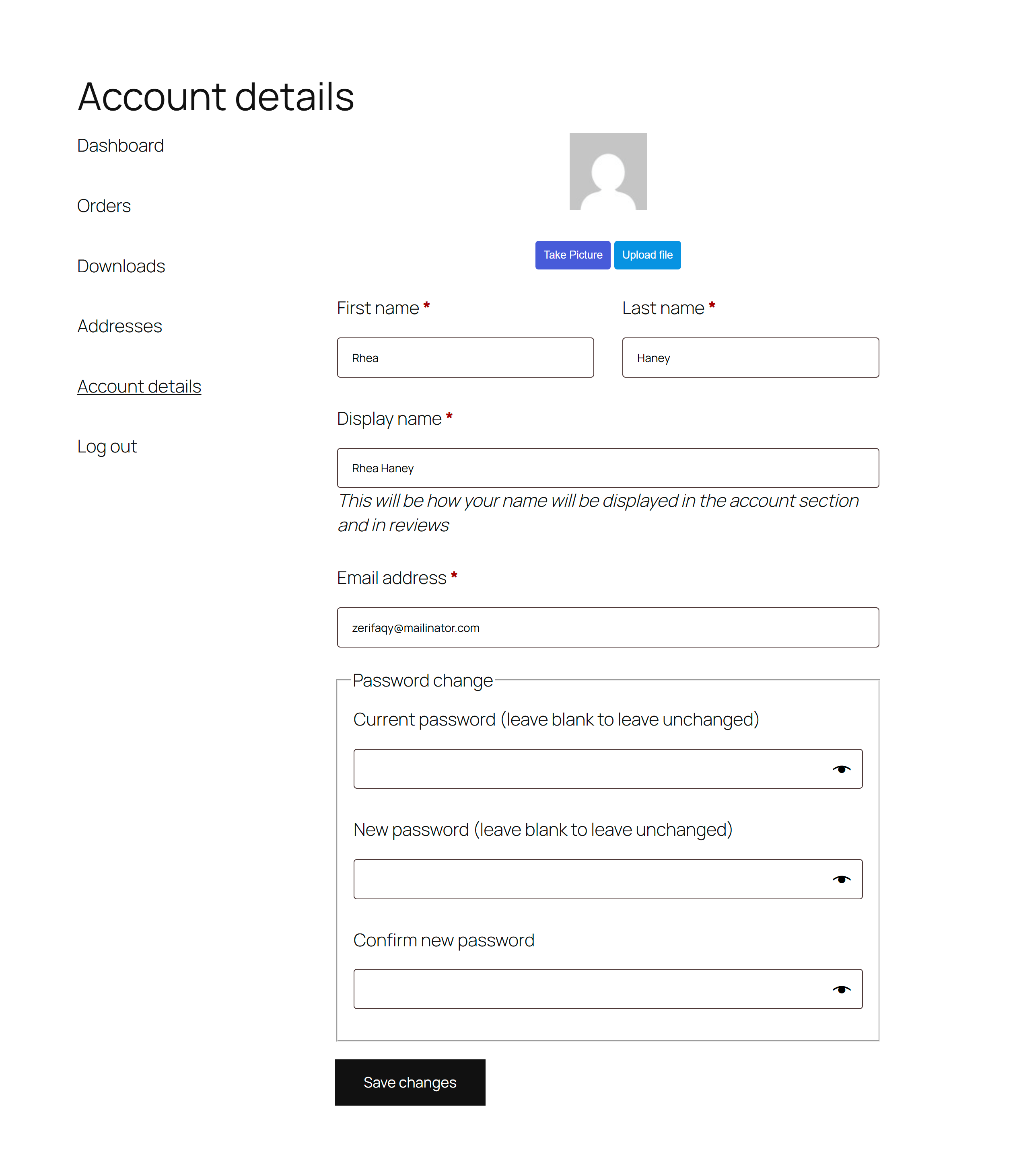
Drop the shortcode on any page — or use the dedicated Gutenberg block — to show the upload form. Users can pick a file from their device, capture a photo from their webcam, or remove an existing avatar at any time.


After a user selects an image the plugin immediately opens an interactive crop interface. They can drag, zoom, and adjust the crop area before saving, so every avatar fits the display area perfectly — no external editor required.

Use the shortcode or the Gutenberg block to show the uploaded avatar anywhere on your site. The plugin automatically generates multiple image sizes so the avatar renders sharply in every context — comments, author bios, profile pages, and more.

Navigate to Users → User Avatar to configure the plugin site‑wide. Every option is a simple toggle or text field — no coding needed.

The plugin validates the file type and size before accepting any upload. If a user submits an unsupported format or a file that exceeds the size limit, a clear inline error message explains exactly what to change — reducing support requests.

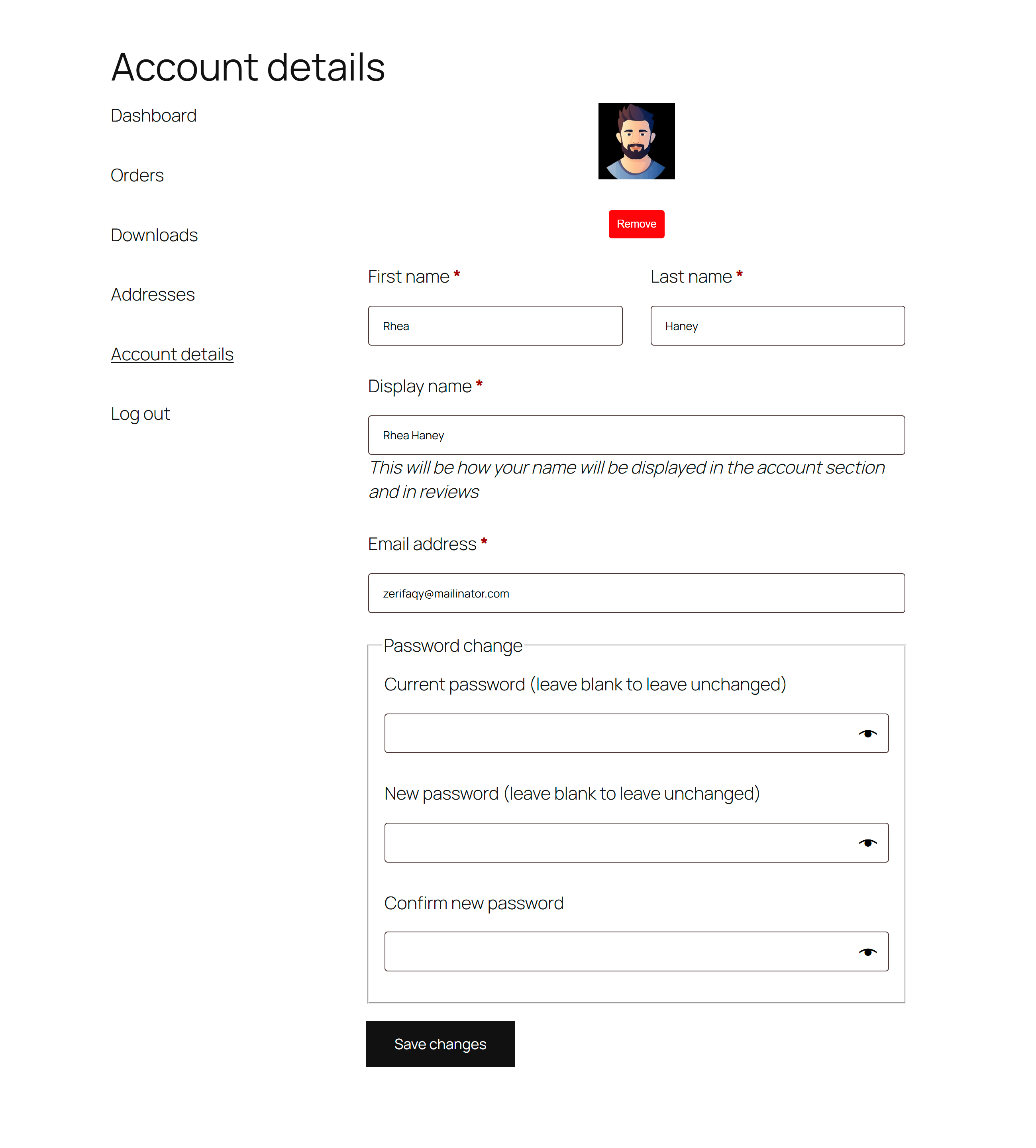
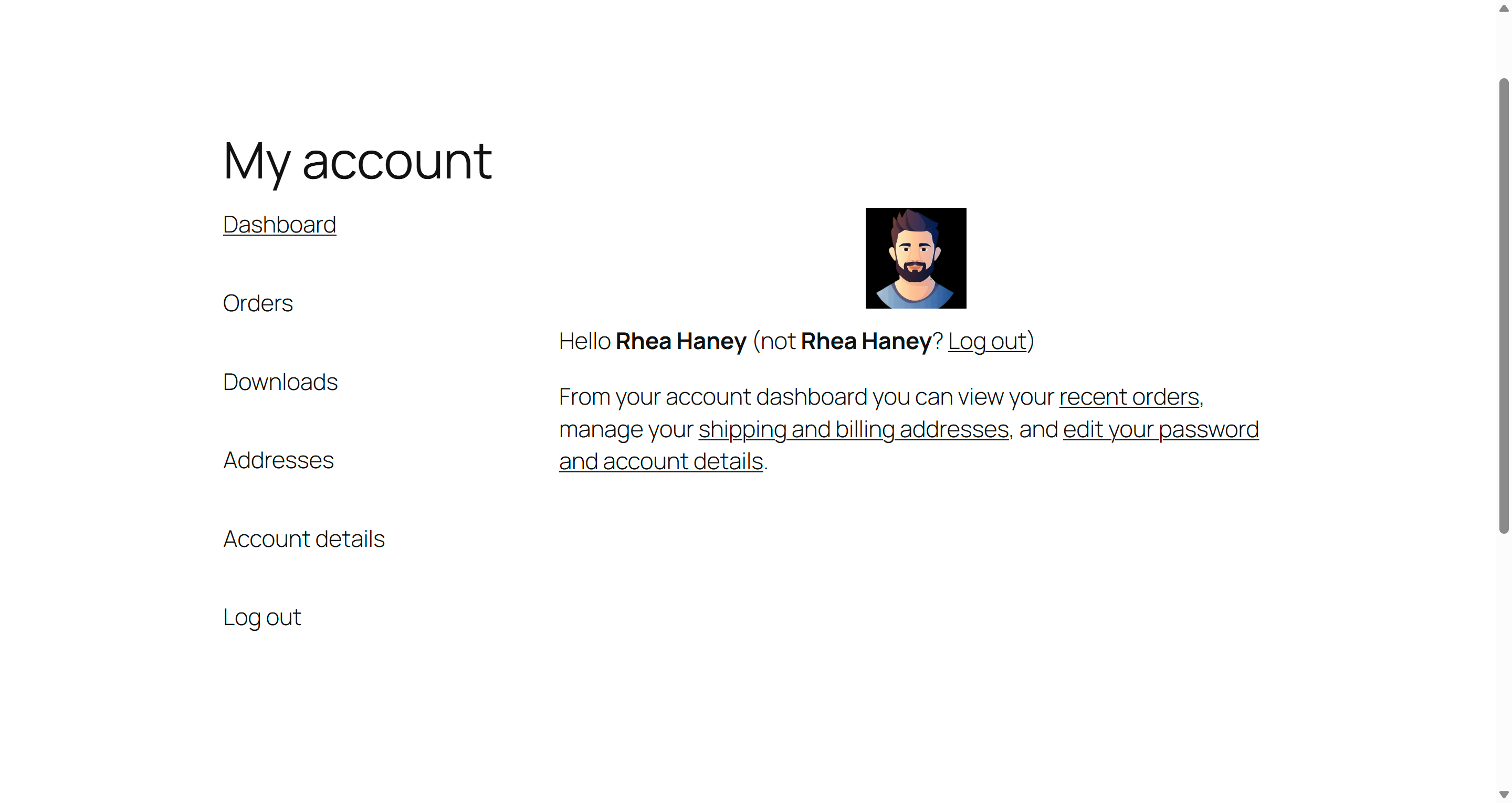
Added in version 1.1.0, the WooCommerce integration places the avatar uploader directly inside My Account → Account Details so customers can update their profile picture without leaving the store. The uploaded avatar is also displayed in the My Account Dashboard widget automatically.
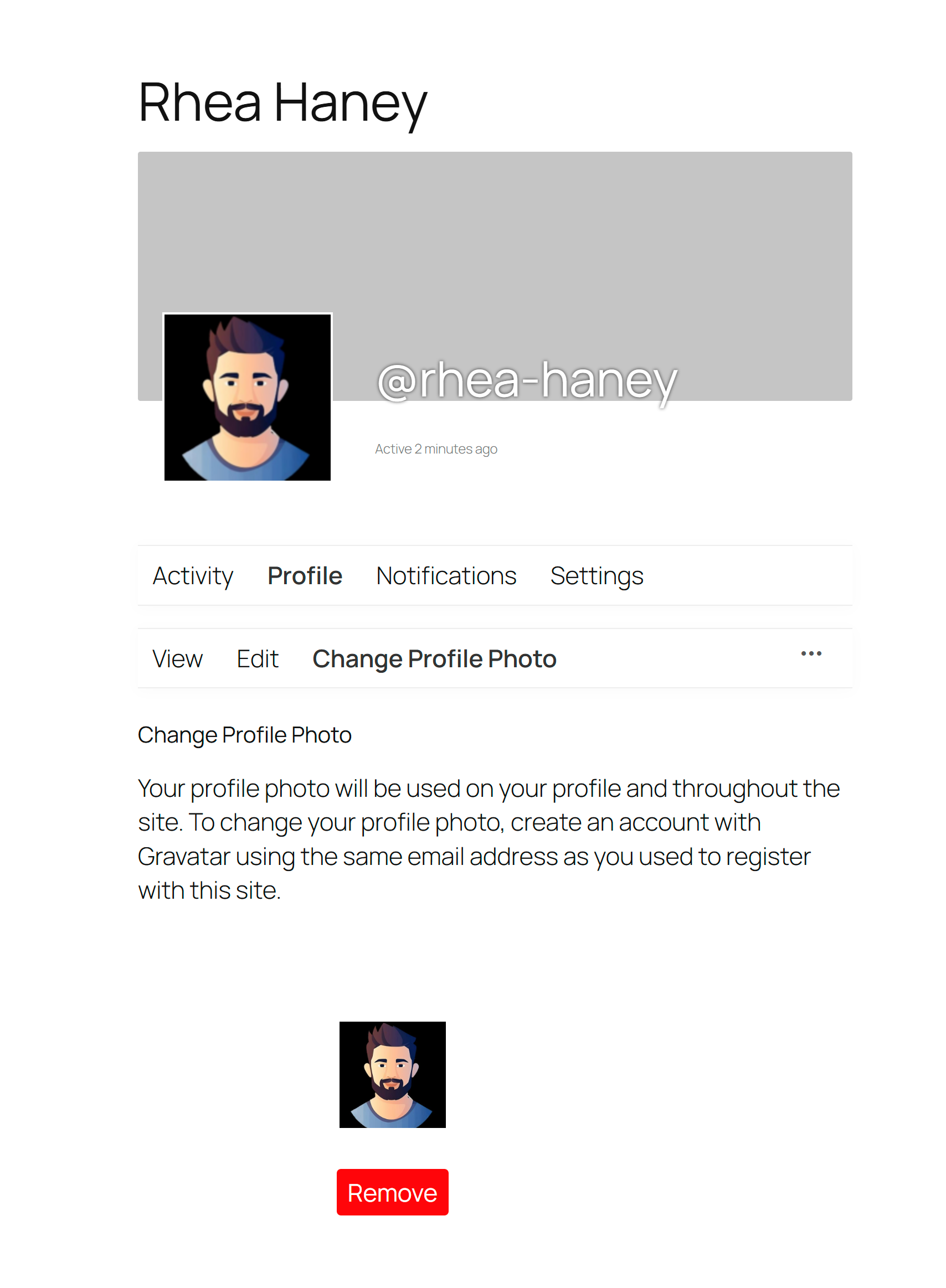
Also added in version 1.1.0, the BuddyPress integration replaces the default avatar uploader in the member area with the Advanced User Avatar interface. Custom avatars automatically appear across all BuddyPress member pages — no extra shortcodes or configuration required.


Advanced User Avatar is a lightweight, no‑code replacement for Gravatar that keeps your users’ profile pictures self‑hosted on your own WordPress install. It works with any well‑coded theme, is fully responsive across all screen sizes, and integrates seamlessly with WooCommerce and BuddyPress. Between the built‑in cropping tool, webcam capture, strict file validation, and automatic thumbnail generation, it covers everything a modern WordPress site needs for a complete custom avatar experience.
Have questions? Get in touch.