
 PLUGIN COMPARISIONS
You went looking for a way to lock a WordPress post until a certain date. You found a plugin that looked right — until you hit the WooCommerce requirement. Install WooCommerce, configure products, set up a checkout flow, manage orders. All so one post becomes visible on Tuesday.
That dependency is not an accident. Most content-gating plugins were built for e-commerce first, and “gate by date” is a side effect of a checkout system rather than the feature itself. If you do not need the checkout, you are carrying the whole weight of a shop for one thing you actually wanted.
WooCommerce Memberships, WooCommerce Subscriptions and several drip-adjacent plugins are built as WooCommerce extensions. Their architecture assumes a product, an order and a customer, and the content unlock is triggered by a purchase event. With no WooCommerce order in the picture, the plugin has no concept of “this user should have access”.
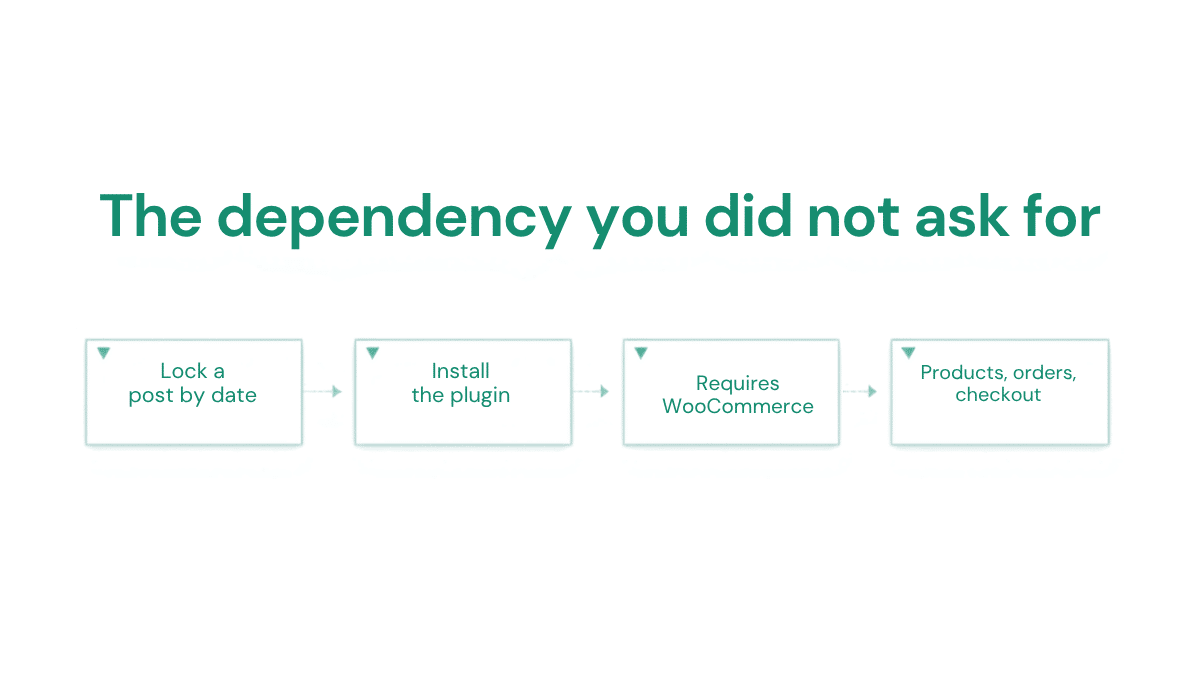
That is a reasonable design if you already run a WooCommerce shop. It is a real cost if you do not, because WooCommerce is a substantial plugin — extra database tables, scripts and styles loaded across your site, and a stack of admin screens for a system you are not using. You are also now responsible for keeping it updated and secure.
Strip it back and the requirement is simple: a post has an unlock date, and before that date visitors see a locked screen instead of the content. That logic needs a date field and a filter on the content output. It does not need a shopping cart.
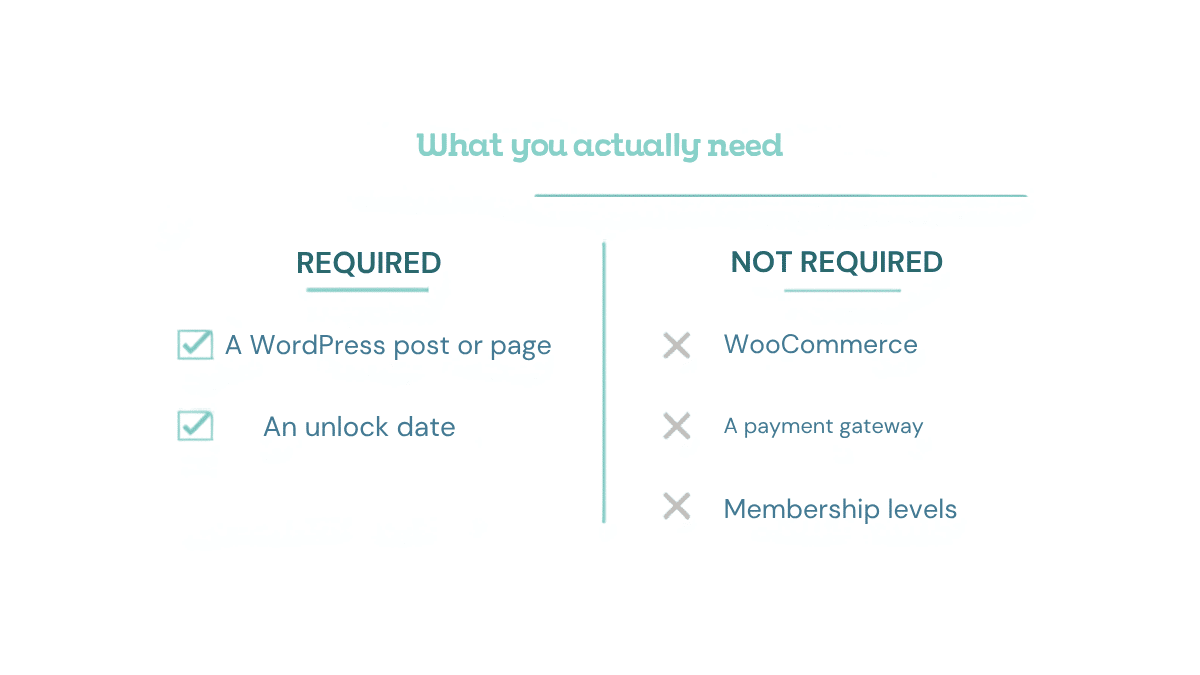
Timed Content Locker is built on exactly that model. It installs standalone, with no WooCommerce and no other plugin dependencies. You add a lock to any post or page from the block editor sidebar, set the date and time it should open, choose who is restricted, and that is the whole setup.
With no order to react to, the plugin uses two triggers instead.
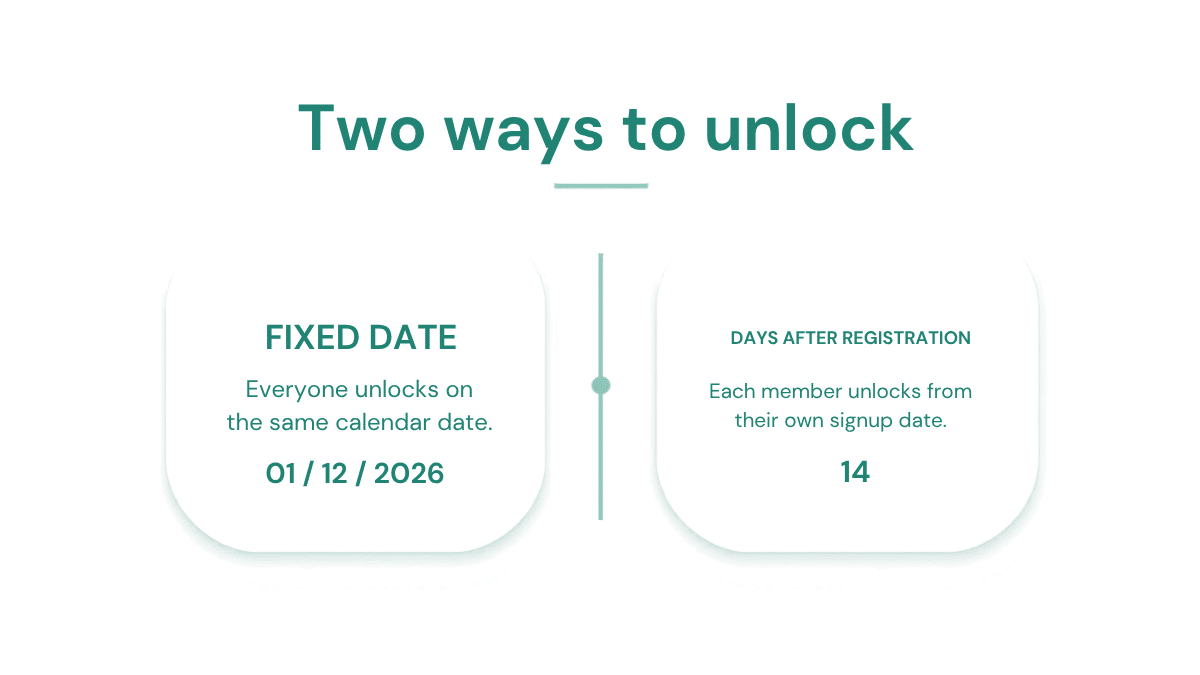
The post opens at an exact date and time, for everyone at once. Use it for cohort courses, launch-day reveals, scheduled announcements, advent calendars — anything where one calendar date is the right trigger.
The post opens a set number of days after that user’s WordPress registration date. Use it for evergreen self-paced courses, where every student should get the same sequence starting from their own signup. The trigger is the WordPress account creation timestamp, which exists whether or not money ever changed hands on your site.
You also control who is restricted: all visitors, logged-in users only, guests only, or specific user roles. Administrators always see the full content, so editing a locked post never requires switching anything off.
Timed Content Locker does not process payments and does not create user accounts. If you are selling access, checkout happens wherever you already do it — Stripe, PayPal, Gumroad, Lemon Squeezy, a WooCommerce shop if you genuinely have one. When the buyer ends up with a WordPress account, the registration-relative mode starts counting from that moment.
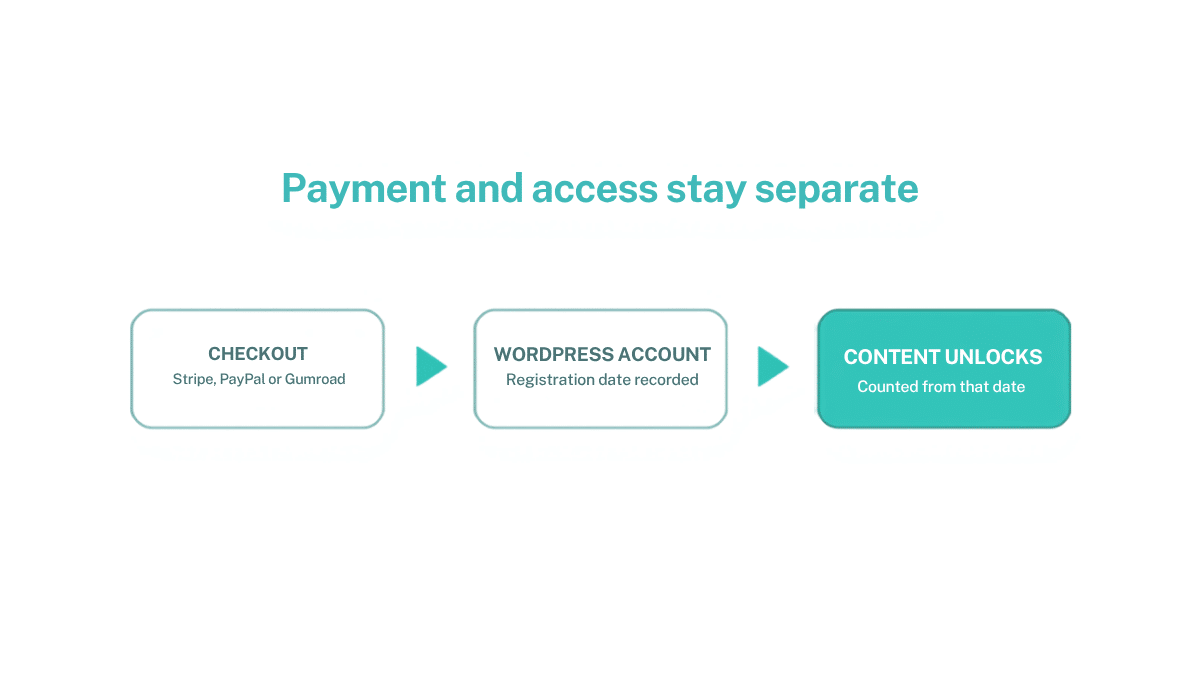
That separation is a feature. Your payment provider and your content access rules are independent, so switching from Gumroad to Stripe next year does not touch a single unlock date. Coupling them is convenient right up until the day you want to change one of them.
To be fair to it: if you are selling physical products, running recurring subscriptions with dunning and renewals, or need per-product access tied to refunds and order status, WooCommerce plus a memberships extension is doing real work for you. The argument here is narrower — if the only thing you need is “this post opens on this date”, that is not a reason to install a shop.
Yes. There is no conflict — the plugin simply does not require it. Keep WooCommerce for checkout and use date locks for access.
Nothing on the lock side. Date-based locks keep working because they never depended on it.
Only for the days-after-registration mode. Fixed-date locks work for logged-out visitors with no accounts anywhere.
Yes — install it on a staging site, lock one post to five minutes in the future, and watch it open. That is a faster evaluation than reading any comparison table, including ours.
If WooCommerce is sitting in your plugins list doing nothing except satisfying a requirement, you can take it out. Related reading: is Restrict Content Pro overkill for a small course site? and dripping course content without a membership plugin.
Install Timed Content Locker and gate your content by date without the overhead.