
 PLUGIN COMPARISIONS
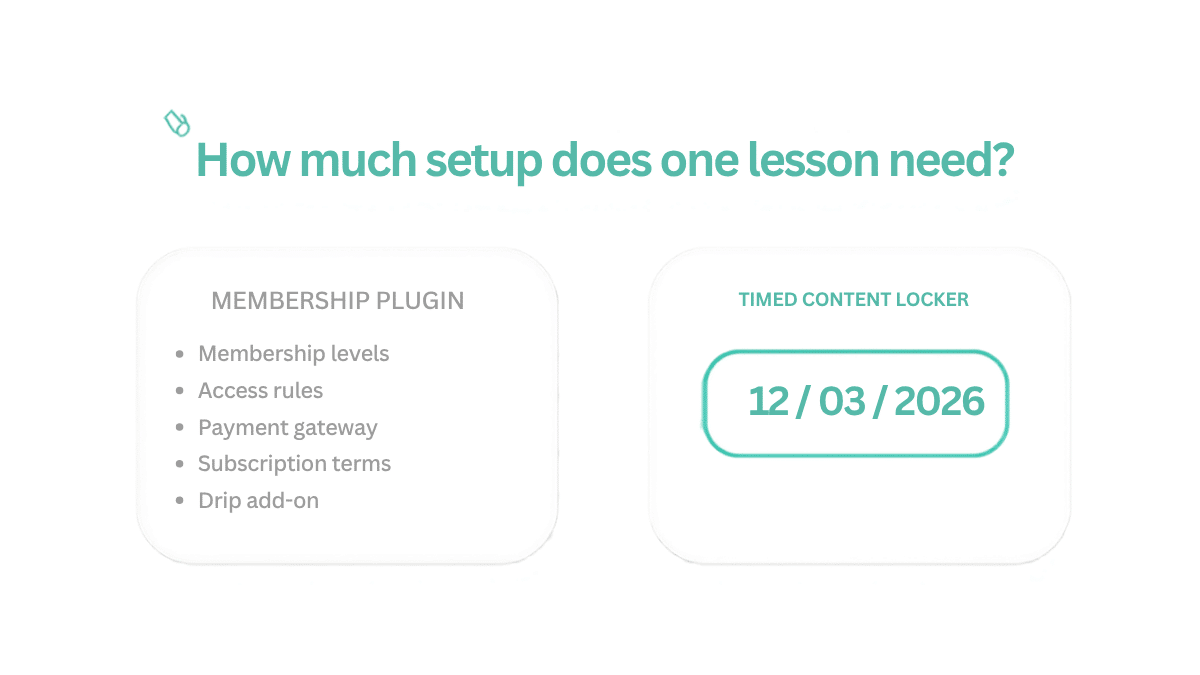
You installed Restrict Content Pro because someone recommended it. You opened the settings, found membership levels, access rules, payment gateway configuration and a list of add-ons, and spent two hours trying to work out which combination would make Lesson 2 open three days after Lesson 1.
That frustration is fair, and it is not a criticism of the plugin. RCP is a capable, well-built tool. It is built for a different problem than the one you have.
RCP is a membership access control system. Its core job is: users with Membership Level X can see Content Group Y, and users without it get redirected. That is a genuinely different question from “this specific post should open on this specific date”.
Drip content in RCP is an add-on rather than a base feature, it requires a higher-tier plan, and its drip logic is tied to membership start dates rather than arbitrary per-post dates. That works well when you are selling subscription access. It is awkward when you are sequencing six lessons.
RCP also assumes you want to control access across categories of content rather than individual posts. Its mental model is “subscribers can see the Members category”, not “this one post opens on Tuesday”. If your content does not group neatly into tiers, you end up creating tiers to satisfy the plugin.
None of that means you did anything wrong. RCP’s documentation reasonably assumes you are building a membership site. If you are not, the mental model does not match your problem, and no amount of reading the docs will make it fit.
Be honest about the other direction too. Keep RCP — or something like it — if you are selling recurring memberships, need renewals, cancellations and dunning handled, run several tiers with genuinely different content, or need member-level reporting. Those are real problems and a date field will not solve any of them.
Timed Content Locker has one setting per post: a date. Open a lesson, enable the lock, set when it should become visible, choose who is restricted. Done.
There are no membership levels to create, no access rules to map and no payment gateway to configure. The plugin adds a single panel to the block editor sidebar, so everything you need is on the post you are already editing.
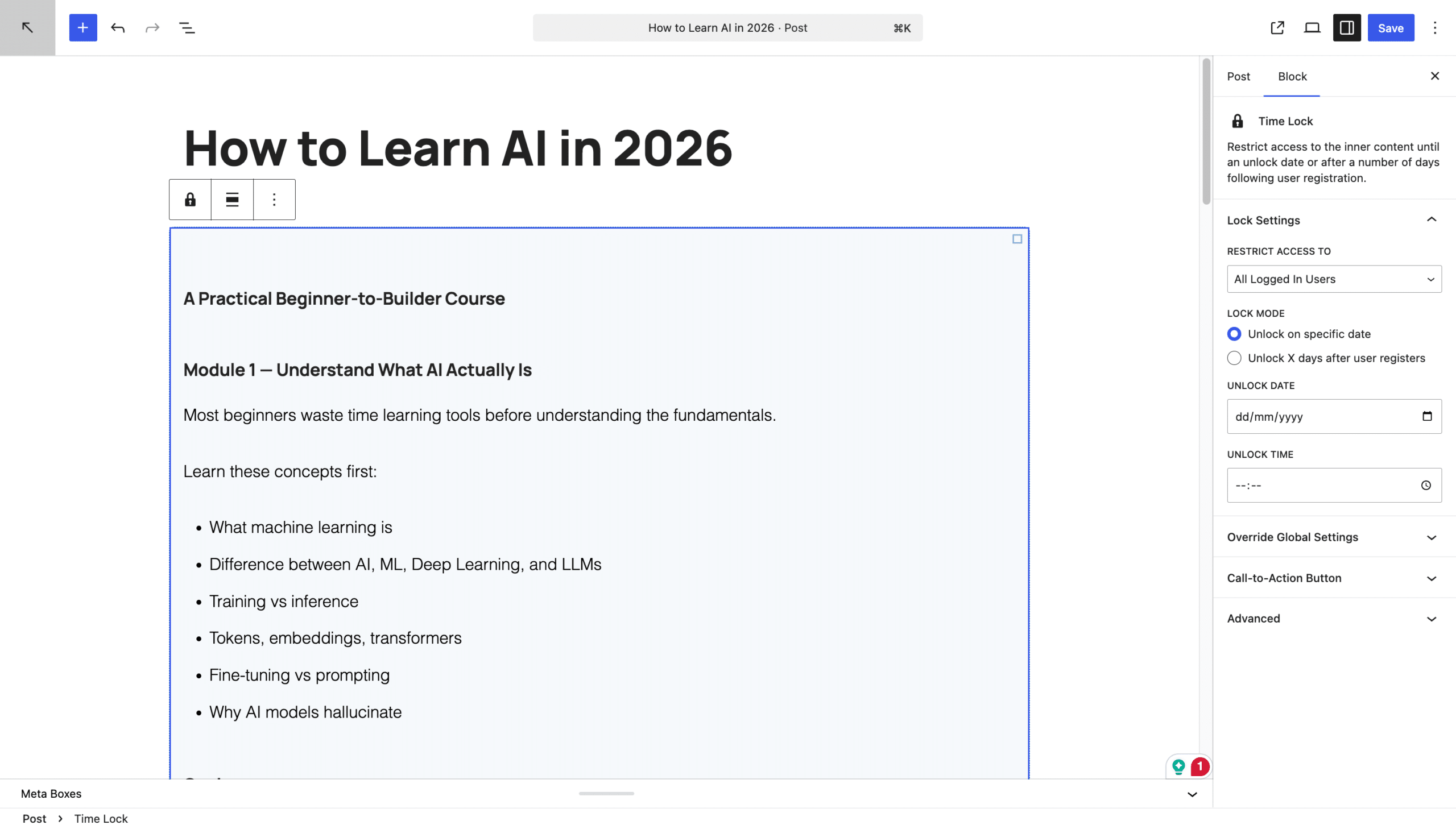
You still get two unlock modes. Fixed date works for cohort courses, where every lesson opens on a real calendar date. Days after registration works for evergreen courses: set a number, and the plugin counts from each student’s own signup. Neither requires membership infrastructure.
If you have already set RCP up and want something simpler, the move is clean. Your posts and pages are untouched — RCP’s access rules live in the plugin, not in your content — so deactivating it removes the restrictions and leaves everything you wrote exactly as it was.
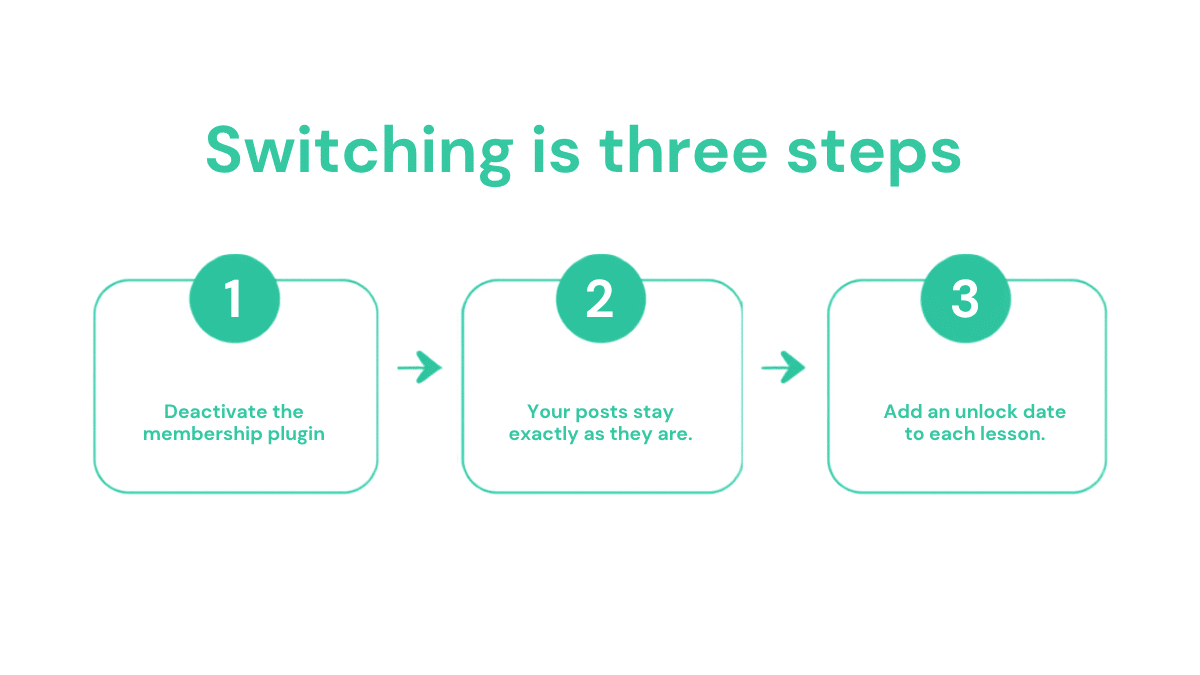
Do it on a staging site first if you can, and export your member list before you deactivate anything — not because the switch is risky, but because you should never be one click away from losing a list. If you are using RCP for payments or subscription management as well as access, keep it for that and add date-based locks on top; the two do not conflict.
Deactivating leaves its data in the database; deleting the plugin is what removes it. Export first regardless.
Yes. Use RCP for payments and membership levels and date locks for the per-post timing. They operate on different layers.
About fifteen minutes, most of which is deciding the dates rather than entering them.
Then add a membership plugin at that point, keeping the date locks for timing. Starting simple does not close the door; starting complex costs you the hours now.
Every setting you do not understand is time spent on infrastructure instead of content. If your course is straightforward, your tools should be too. If you are weighing up the alternatives more broadly, we compared them in the best WordPress drip content plugins, and asked the same question about LearnDash.
Install Timed Content Locker and set up your drip sequence in the time it would take to read another documentation page.