
 USE CASES
New members join your community and quietly disappear. They signed up, looked around, did not know where to start, and drifted. Meanwhile your best material — the deep-dive guides, the advanced resources, the things that make people stay — sits there unread, because nobody new knows it exists yet.
A drip onboarding sequence fixes this. Instead of handing a new member everything at once, you introduce content in the order that makes sense: welcome first, norms second, value-dense material third, advanced work when they have earned it.
Information overload kills engagement. A new member who logs in to 200 posts, fifteen categories and no obvious starting point does what a student does when every lesson is unlocked at once: binges randomly, or leaves. We wrote about the underlying behaviour in why students binge online courses, and communities have exactly the same problem.
A timed sequence creates a path. Day 1 is a welcome. Day 7 is how to get the most out of the place. Day 30 is the advanced playbook they are finally ready for. Each piece lands when the member is in the right headspace to use it.
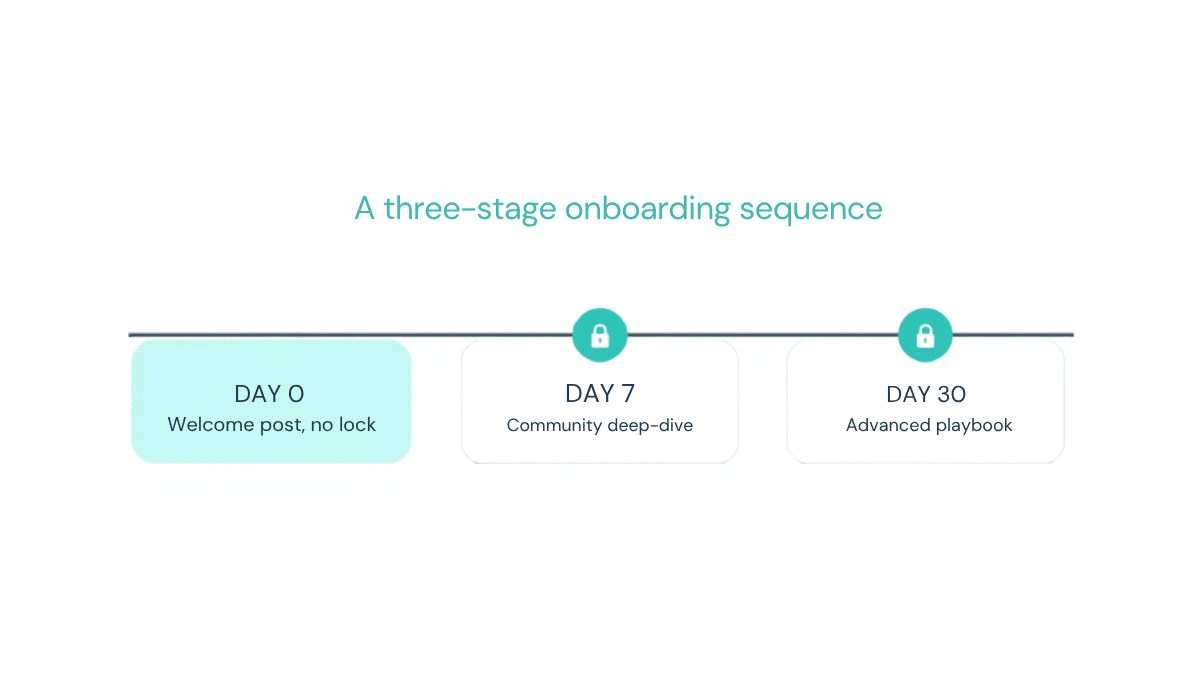
Timed Content Locker handles this with its days after registration unlock mode. You create each onboarding post or page as normal content, then set how many days after that member’s registration it should open. A typical three-stage sequence:
No lock. Available the moment someone joins. Introduce the community, explain how to navigate it, set expectations about what happens next — including that more content opens over their first month. Keep it short and warm. This is the only post in the sequence that should mention the sequence.
Set to unlock 7 days after registration. By now the member has been around a week, seen a few discussions, maybe introduced themselves. This is where you go deeper: how to get value from the threads, which conversations are worth reading back through, how to find the people worth knowing.
Set to unlock 30 days after registration. This is your high-value material — the playbook, the detailed guide, the thing you would normally reserve for your most engaged members. By day 30, the members still showing up have earned it, and delivering it then feels like a reward rather than homework.
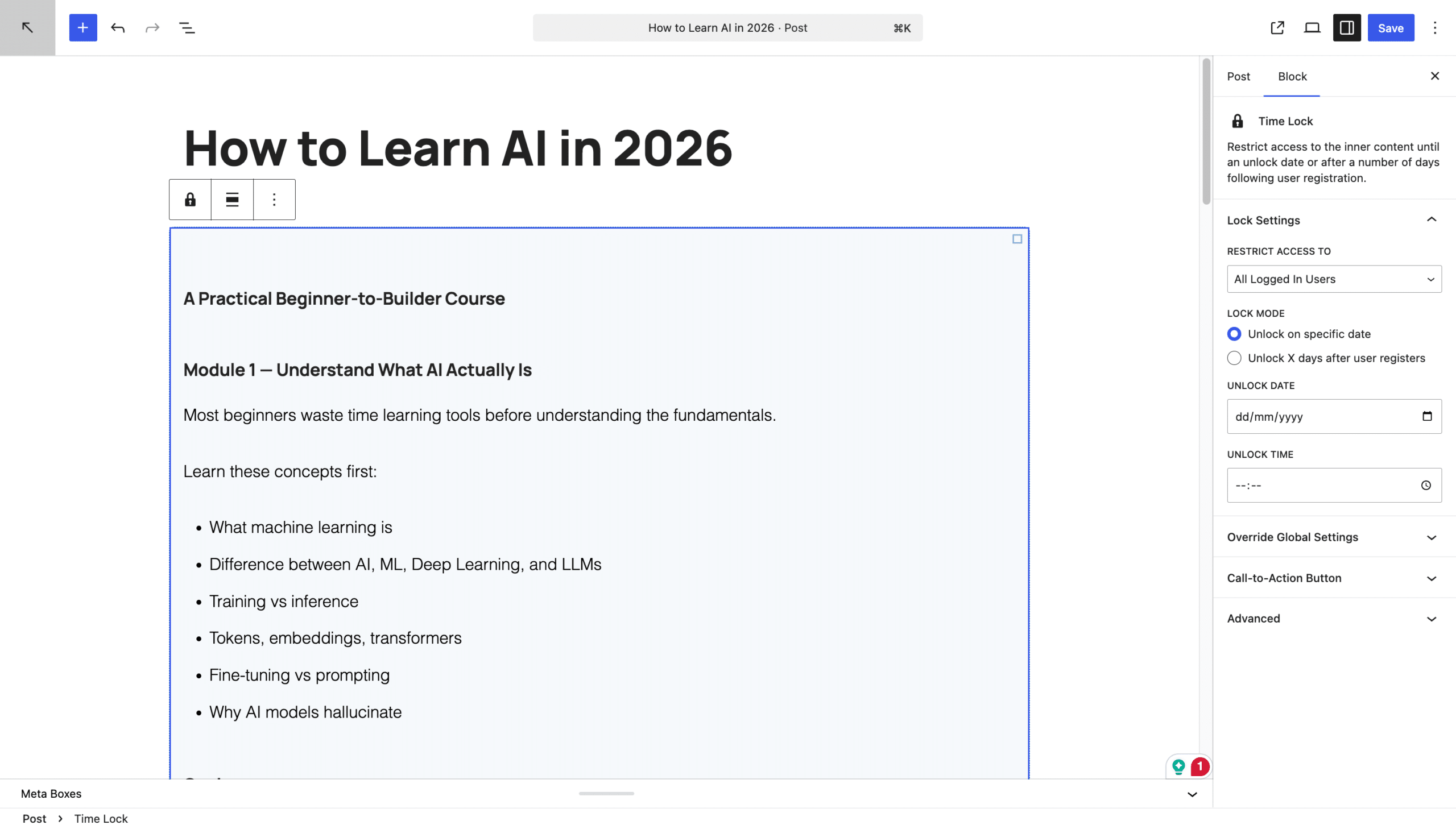
When someone reaches the Day 7 post on their second day, they see your locked message and a countdown to their own unlock moment. Write that message to build anticipation rather than frustration: “This guide opens after your first week here — come back on the 14th and we will show you how to go deeper.”
Then add a call-to-action button. Point it at the welcome post, the community guidelines, or the introductions thread. The locked screen stops being a wall and becomes a signpost.

Some community managers run eight or ten pieces across 90 days — which is exactly the window where churn is highest and where a retention intervention is worth the most. The setup does not change: open each post, enable the lock, enter the number of days. There is no scheduled task to maintain, no email automation to keep in sync, and no manual unlocking.
Administrators always see everything, so you can edit and preview freely without disabling anything.
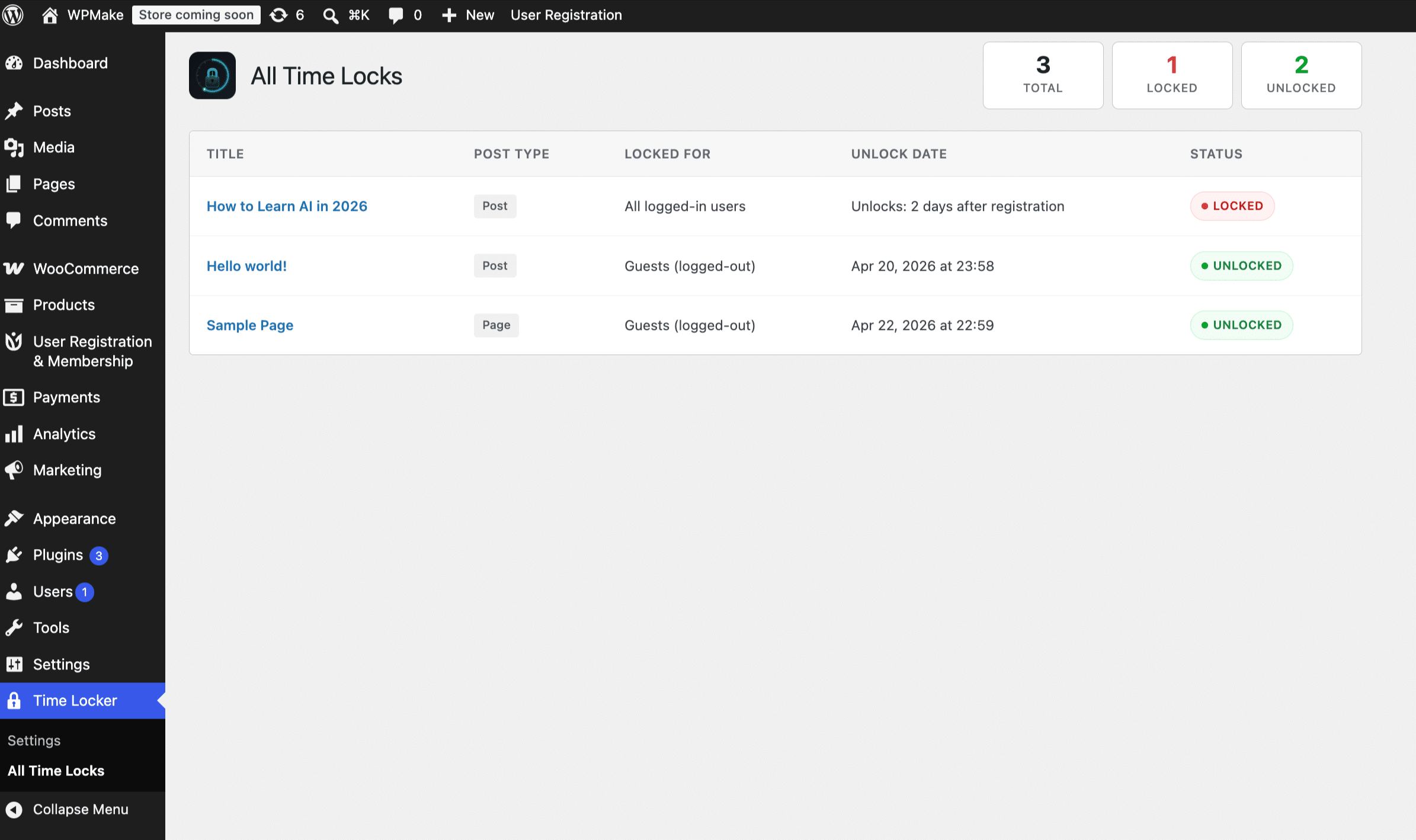
The WordPress user account creation date. However that account gets created — manual signup, checkout automation, an import — the plugin reads the same timestamp.
Their registration dates are already in the past, so anyone who has been around longer than the unlock window sees the content immediately. Existing members are not sent back to the start.
Yes. Each post carries its own rule, so a seasonal announcement can use a fixed date while the onboarding posts count from each member’s signup.
Not for the sequencing. You need WordPress accounts and a way to create them; the drip logic itself does not require membership levels or subscriptions. See dripping content without a membership plugin for the full picture.
If your community onboarding is currently a welcome email and a hope that people work it out, this is the upgrade. Write three posts, set two numbers, and every member who joins from now on gets a guided first month.
Install Timed Content Locker and build your first onboarding sequence today.