
 TUTORIAL
BuddyPress has its own avatar system. It stores member photos in its own directory, outside the media library, and gives members their own Change Avatar screen with their own cropper. That is fine on a site where BuddyPress is the whole site — and a real problem on a site where it is one part of it.
A member uploads a photo in their BuddyPress profile. It shows in the member directory and on their activity posts. It does not show on their blog comments, in the Users list, in the admin bar, or in a WooCommerce order — because those ask WordPress for an avatar, and BuddyPress’s photo is somewhere else.
Then you install a plugin that gives everyone a proper WordPress avatar, and now there are two uploaders on the site that disagree with each other. Members set a photo in one place, see the old one somewhere else, and open a support ticket. Every time.
In Users → Users Avatar → Integrations, switch on BuddyPress.
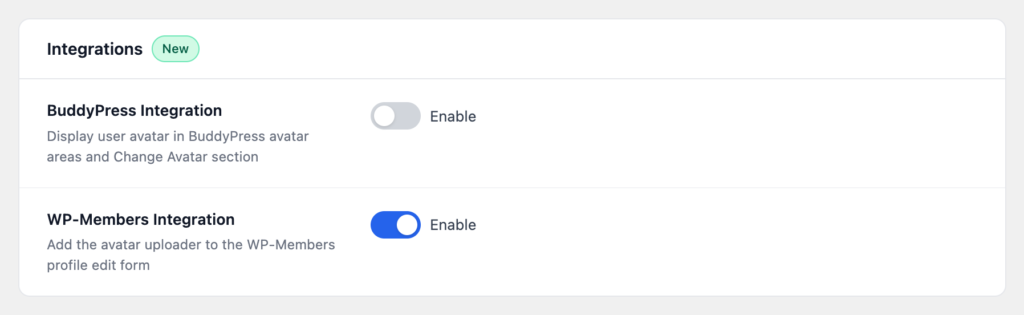
Three things happen:
Switch it back off and BuddyPress’s uploader is restored. The integration is reversible, and it does not leave anything behind in BuddyPress’s own options.
Be clear about this before you switch, because it is the question that matters on a live community. The integration does not import existing BuddyPress avatars into the media library. A member who had a BuddyPress photo and has never used the new uploader will fall back to whatever WordPress would otherwise show for them.
On a community with a lot of existing photos, plan for that:
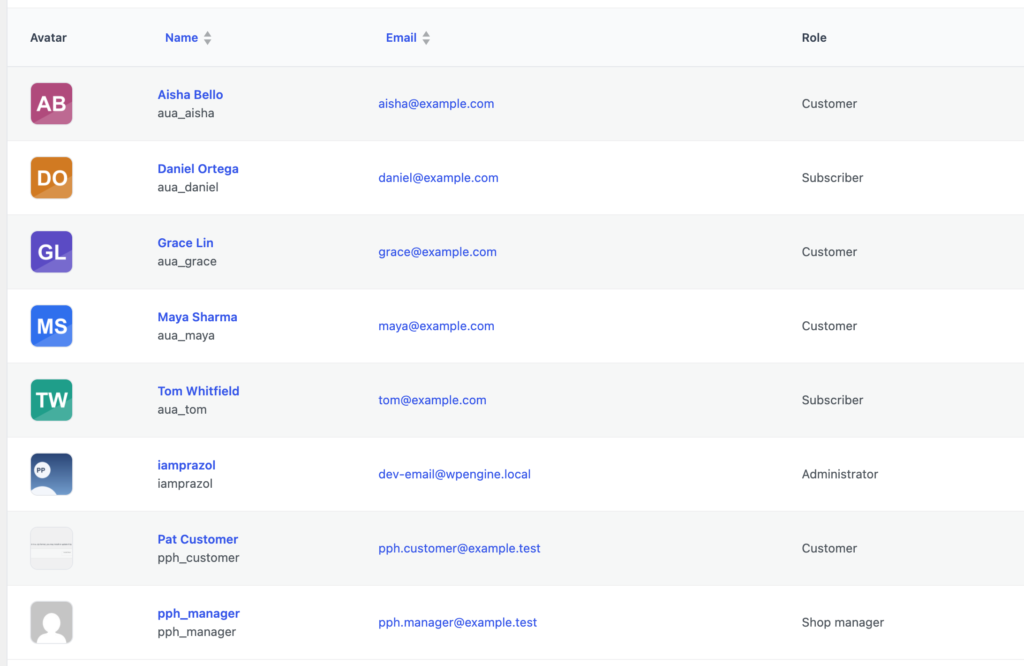
If your community is large and every member has a photo, a scripted migration is the better answer: BuddyPress avatars are files on disk, and the plugin exposes wpmake_aua_set_user_avatar( $user_id, $attachment_id ) for exactly this kind of import. That is an afternoon of work rather than a setting, but it is a one-off.
One photo per member, in your media library, appearing consistently in BuddyPress and in comments, author boxes, the admin bar, the REST API, WooCommerce and any other plugin that asks WordPress for an avatar.
Plus the parts of the uploader BuddyPress does not have: server-side file type checking that reads the file’s contents rather than trusting its name, an enforced size limit with a message that explains itself, and browser-side cropping that shrinks a phone photo before it is uploaded rather than after.
The setting does nothing at all, and writes nothing to BuddyPress’s options. It is safe to leave alone on a site that might add BuddyPress later — and safe to switch on the day you do.