
 USE CASES
This is a technical article about what a piece of software does, not legal advice. If you need to know whether your site complies with a particular regulation, ask somebody qualified. What follows is the part they will ask you about: what is actually transmitted, to whom, and when.
When WordPress renders an avatar, it takes the user’s email address, normalises it, hashes it, and builds a URL like https://secure.gravatar.com/avatar/<hash>?s=96&d=mm. That URL goes into the page as an image source, and the visitor’s browser requests it.
Two separate transfers happen, and they are worth separating because people usually only notice the first:
This is the argument that comes up every time, and it does not hold. A hash of an email address is a pseudonym, not an anonymisation: it is deterministic, it is the same everywhere for the same address, and the input space is small enough to search. Anyone holding a list of email addresses can hash them and match.
European regulators and courts have taken this view repeatedly about hashed identifiers in general — a value that can be linked back to a person with reasonably available means is still personal data. The German court decision about Google Fonts in 2022 turned on the same shape of argument regarding IP addresses: transmitting an identifier to a third party because you embedded their asset in your page is a disclosure you have to be able to justify.
Most third-party transfers on a site are things a visitor can be asked about. Avatars are different in three ways:
Advanced User Avatar stores each photo as an attachment in your own media library and serves it from your own domain. The plugin makes no request to Gravatar or any other third party, and no hashed email address leaves your site to fetch a picture.
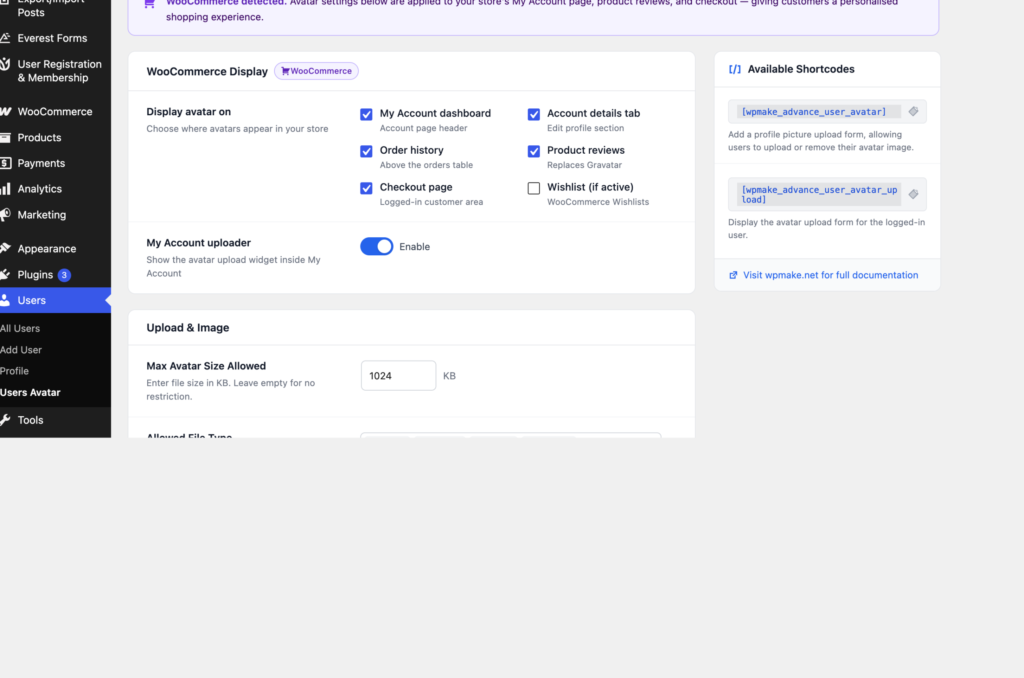
One honest qualification, because it matters: this applies to users who have uploaded a photo. Users who have not are handled by WordPress exactly as before, which means Gravatar. The plugin only steps in when there is a photo to show.
If your aim is to remove Gravatar from your site entirely rather than to reduce it, you need both halves: uploaded avatars for the people who have them, and a decision about the rest. That second half is usually one of unticking Show Avatars under Settings → Discussion for the remainder, or hooking pre_get_avatar_data at a later priority to supply a locally generated default.
The plugin’s own footprint is small and easy to describe, which is the practical benefit when somebody asks:
wp-content/uploads/wpmake-advance-user-avatar/ for photos uploaded through the widget.Once photos are yours, so are the obligations attached to them — which is a feature, because you can actually act on them. A deletion request is a matter of clearing that person’s avatar and, if the file should go too, deleting the attachment from Media. Both take seconds, and neither depends on a third party’s process or timeline.

That is the real argument for self-hosting, underneath the compliance framing. A photo on your own server is a thing you can find, show, export and delete on request. A picture fetched from somewhere else is a promise somebody else made about a person who never dealt with them directly.