
 TUTORIAL
Setting an avatar by hand is fine for one user. It is not fine for a migration, an HR sync, a registration flow that receives a photo, or a WP-CLI command that runs over four thousand accounts. For those you want a function.
Advanced User Avatar exposes four, and they are the same ones the plugin’s own screens use — there is no separate internal path that does more than you can.
wpmake_aua_set_user_avatar( int $user_id, int $attachment_id ) : bool
wpmake_aua_remove_user_avatar( int $user_id ) : bool
wpmake_aua_current_user_can_edit_avatar( int $user_id ) : bool
wpmake_aua_get_avatar_url( int $user_id, int $size ) : string
An avatar is stored as an attachment ID in user meta, so setting one is a matter of having an attachment. If the photo is not in the media library yet, put it there first with media_handle_sideload() or wp_insert_attachment(), then pass the ID along.
$attachment_id = media_handle_sideload( $file, 0 );

if ( ! is_wp_error( $attachment_id ) ) {
    wpmake_aua_set_user_avatar( $user_id, $attachment_id );
}wpmake_aua_set_user_avatar() returns false rather than throwing, and it refuses in three cases:
It returns true when the user’s avatar is that attachment afterwards — including when it already was, because the end state is the same and treating that as a failure makes idempotent scripts miserable to write.
Neither setter checks capabilities. That is deliberate, and it is the single most important thing on this page.
An importer, a cron job or a WP-CLI command runs with no current user. A setter that called
current_user_can()would fail in exactly the situations you most want to script.
So the capability check is a separate function, and calling it is your job whenever the change originated in a request:
if ( ! wpmake_aua_current_user_can_edit_avatar( $user_id ) ) {
    wp_die( esc_html__( 'You cannot change that avatar.', 'your-textdomain' ) );
}

wpmake_aua_set_user_avatar( $user_id, $attachment_id );
It returns true when the target is the current user — everybody owns their own picture — or when the current user has edit_user for that person. Use it in any AJAX handler, REST route or form submission you write. Skip it only in code that is genuinely not acting on behalf of a browser.
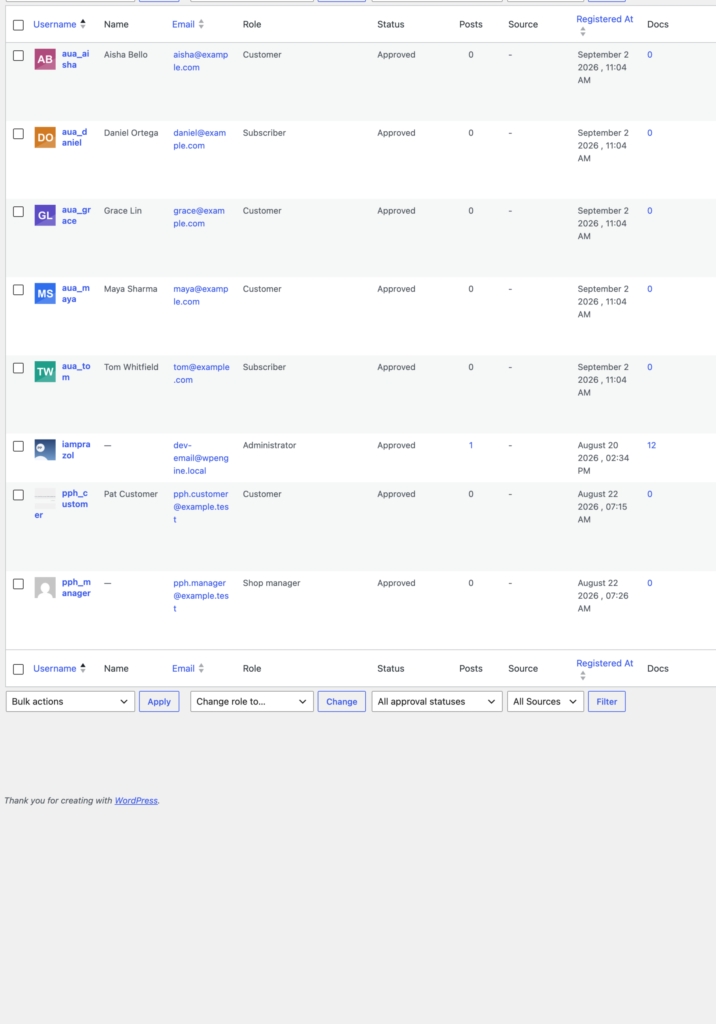
wpmake_aua_remove_user_avatar( $user_id );This clears the reference and leaves the file alone. That is not an oversight — the same attachment can be the avatar of several users, and an image chosen from the media library may be in use elsewhere on the site. Deleting the file is a separate decision, and a separate call to wp_delete_attachment().
If an attachment is deleted from the media library, the plugin notices and clears the references for you, so nobody is left pointing at a file that no longer exists.
Two actions fire after every change, wherever it came from — the front-end widget, the profile screen, the bulk manager or your own code:
do_action( 'wpmake_aua_avatar_set', $user_id, $attachment_id );
do_action( 'wpmake_aua_avatar_removed', $user_id, $attachment_id );
Useful for pushing the photo to an external CRM, invalidating a page cache, or writing an audit line when an administrator changes somebody else’s picture.
$url = wpmake_aua_get_avatar_url( $user_id, 96 );This returns the uploaded photo’s URL at the closest available size, or an empty string if the user has none. An empty string is the signal to fall back — which is exactly what the plugin itself does, handing the request back to WordPress and therefore to Gravatar.
For rendering, prefer core’s get_avatar(). It goes through the plugin automatically and handles the fallback, the sizes and the markup for you. Reach for wpmake_aua_get_avatar_url() when you specifically need to know whether a user has uploaded a photo, or you need the URL alone — in a REST response, an email template, or a JSON payload for a front-end app.