
 USE CASES
Every agency, school and mid-sized company eventually builds a team page. The layout takes an afternoon. Then it sits half-empty for eight months, because filling it requires thirty people to find a photo of themselves, crop it correctly, and email it to somebody who has to resize it and upload it by hand.
Here is a version of that job which does not depend on anybody’s goodwill.
The common approach is a “Team Member” post type with a featured image. It works, and it creates a second copy of your organisation that nobody maintains: someone leaves, their account is deactivated, and their smiling face stays on the team page for a year.
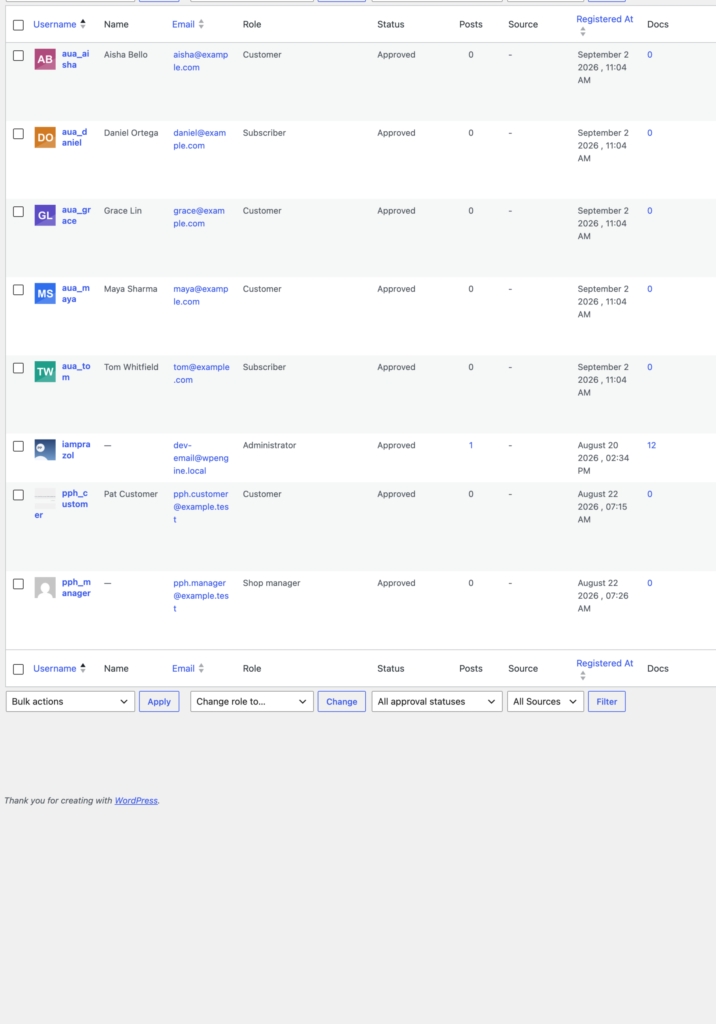
If your staff already have WordPress accounts — and on most of these sites they do — build the directory from users instead. The list maintains itself, roles are already correct, and the photo is the person’s avatar, which means it also appears on everything else they touch: posts they author, comments they leave, the admin bar, the Users list.
Put the upload widget on an internal page and send one link. Staff open it, upload, crop, done — no email, no resizing, no bottleneck on whoever owns the site.
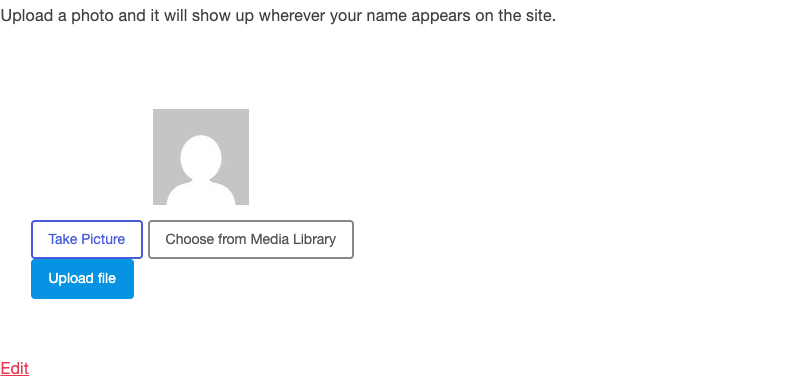
On an HTTPS site, switching on webcam capture removes the last excuse: somebody at their desk with no photo on their laptop can take one in the browser and be finished in fifteen seconds.
For a proper set of headshots from a photographer, self-service is the wrong shape — you have the files, they do not. Use the Manage Avatars tab at Users → Users Avatar: every user on one screen, with their current photo, a search box, and a Change button on each row.
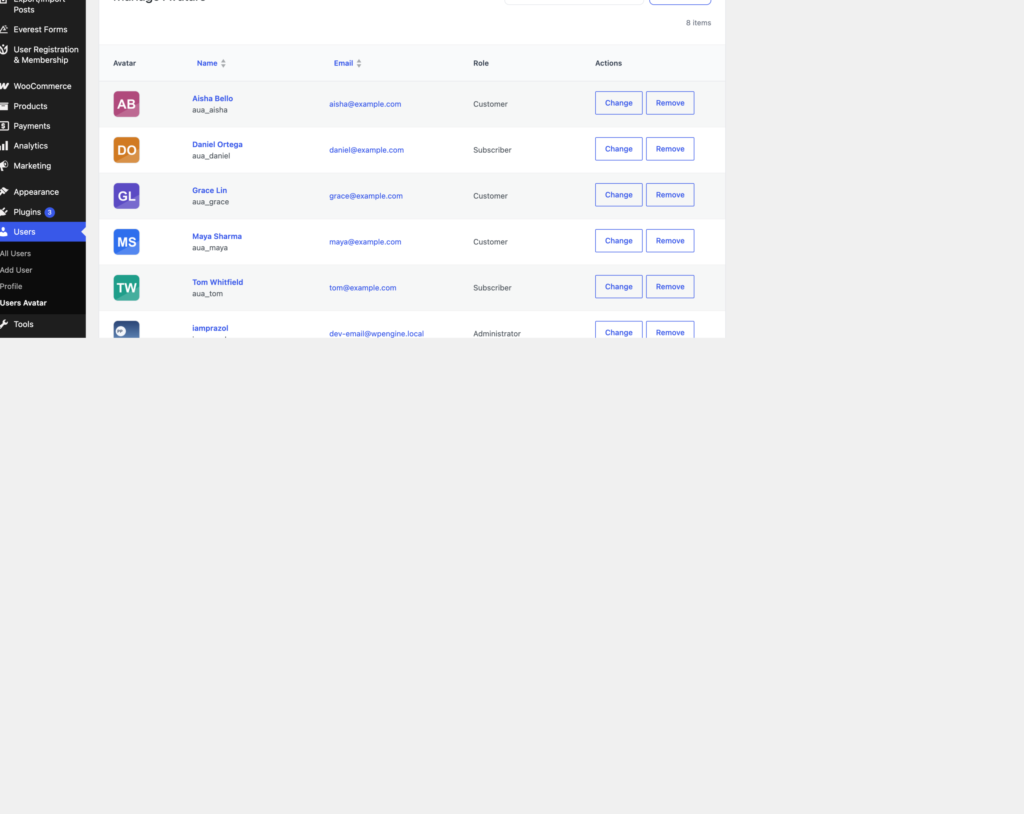
Upload the whole set of headshots to the media library first, then work down the rows. Click Change, pick the image, and the row updates without reloading the page. Thirty people takes about ten minutes.
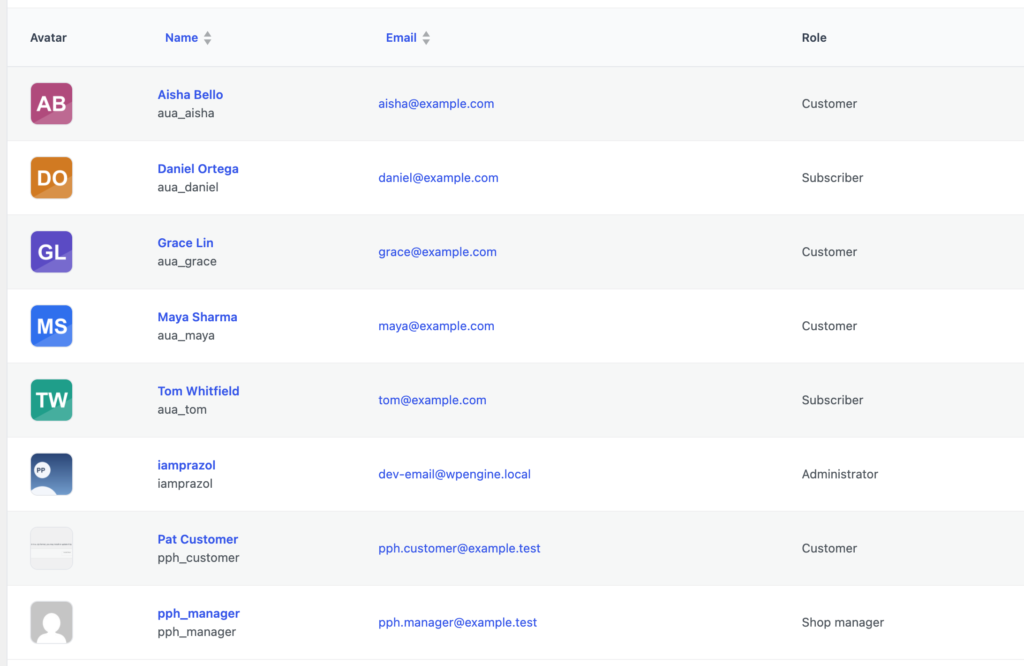
One thing to know: there is no crop step on this tab, because you are choosing an image that already exists rather than uploading a new one. Crop the headshots to square in the media library — or before you upload them — and they will look right everywhere.
With photos attached to user accounts, the page itself is a loop over get_users() and a call to get_avatar(). Any theme, any builder, no special plugin support required — because the avatar is a standard WordPress avatar and every tool in the ecosystem already knows how to ask for one.
Filter by role for a departmental page, order by display name, and ask for the size your layout actually uses — 96 or 150 for a card grid. Smaller square copies are generated on upload, so a grid of thirty faces at 96 pixels downloads thirty small files rather than thirty full-size originals.
The team page that stays filled in is the one where adding a photo is a link somebody can act on in a minute, and where the photo they add is useful in five other places. Build it out of user accounts and both of those come for free.