
 TUTORIAL
WP-Members generates its registration and profile forms from a managed field list. That is what makes it pleasant to configure and awkward to extend: adding a file upload for a profile photo is not a matter of dropping an input into a template, because the template is generated.
The usual workarounds are a custom field plus a filter on the form output, or a full template override maintained by hand. There is a shorter path.
Install Advanced User Avatar, go to Users → Users Avatar → Integrations, and switch on WP-Members.
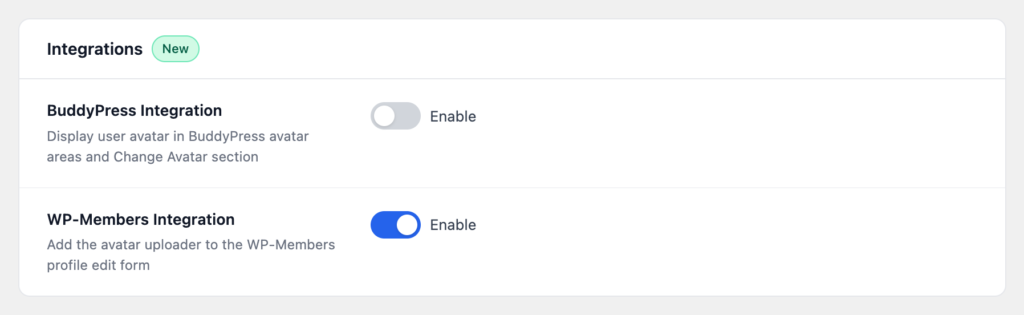
The uploader is now inserted into the WP-Members profile edit form, so members set their photo on the same form they use for the rest of their details.
By default the field is added at the top of the form, which is usually right — a photo is the thing members most want to see confirmation of, and the top is where the eye starts.
If your form has a different logic to it, a developer can move the row with a filter:
add_filter(
    'wpmake_advance_user_avatar_wpmembers_row_position',
    function ( $position ) {
        return 'bottom';
    }
);
That is the only code anyone needs to write, and most sites do not need it.
The same widget as everywhere else on the site: upload from the device, crop in the browser, save. Take a photo with the webcam too, if you have enabled that and your site is on HTTPS.
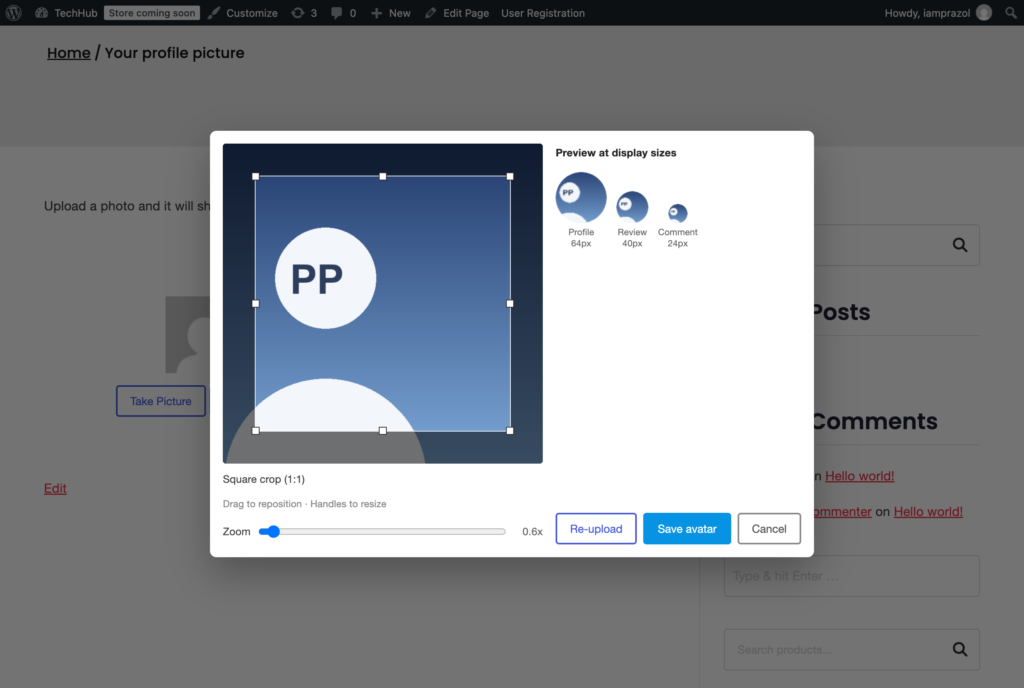
The photo is a normal WordPress avatar, so it appears in comments, author boxes, the admin bar, the REST API and any WP-Members shortcode that renders an avatar — as well as anywhere else in your theme.
The integration covers the profile form, not the registration form, and that is a reasonable division. An account has to exist before a photo can be attached to it, and asking for a photo during sign-up measurably reduces the number of people who finish signing up.
If you want new members prompted, the effective pattern is a link in the welcome email pointing at the profile page — asked after the commitment, not during it.
Members edit their own photo and nobody else’s. The widget renders only for logged-in users. Choose from Media Library, where it appears at all, requires the ability to upload files to the site — so members on a subscriber-level role never see it, whatever that setting says.
And if you ever deactivate WP-Members, the setting simply stops doing anything. Photos already uploaded stay exactly where they are, in your media library, still attached to their users.