
 TECHNICAL
Before installing any content-locking plugin, most site owners ask the same question: if I hide content behind a lock, will Google stop indexing it? Will my search rankings drop? Will I lose traffic I’ve already earned?
It’s a reasonable concern. The short answer is: a properly implemented content lock does not hurt your SEO. Here’s the detailed version.
Search engine crawlers — Googlebot, Bingbot, and others — are not logged-in users. They visit your pages the same way a logged-out anonymous visitor does. What they see depends on what your plugin shows to unauthenticated requests.
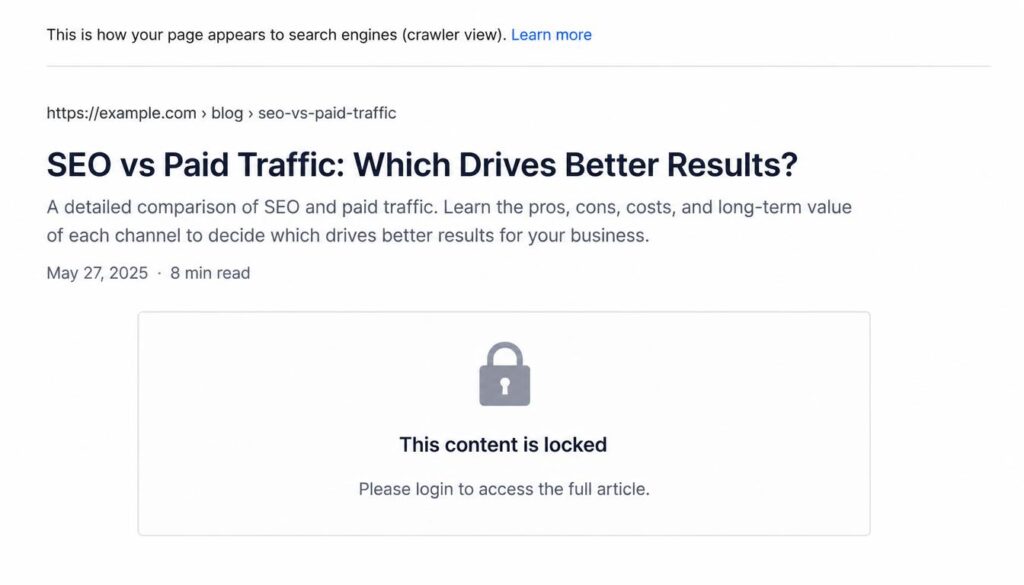
Timed Content Locker replaces the post content with a locked message for users who hit the lock before the unlock date. This means if a crawler visits a locked post, it sees the locked screen message — not the full post content.
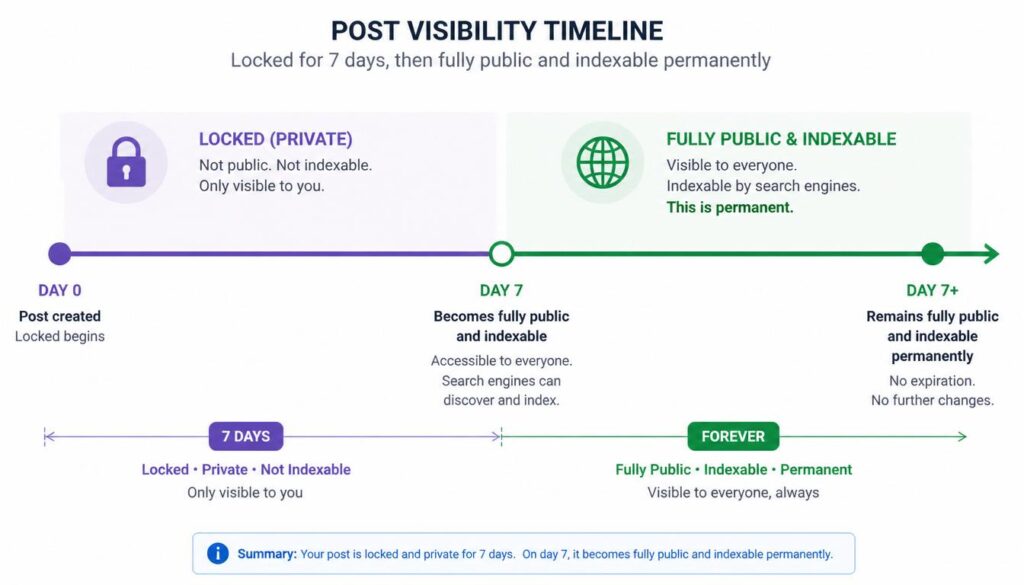
For the SEO impact of that to matter, the post would need to be locked indefinitely. If a post is locked for three days as part of a drip sequence, Googlebot may or may not crawl it during that window. When it does crawl — whether during the lock or after unlock — it indexes whatever is currently visible.
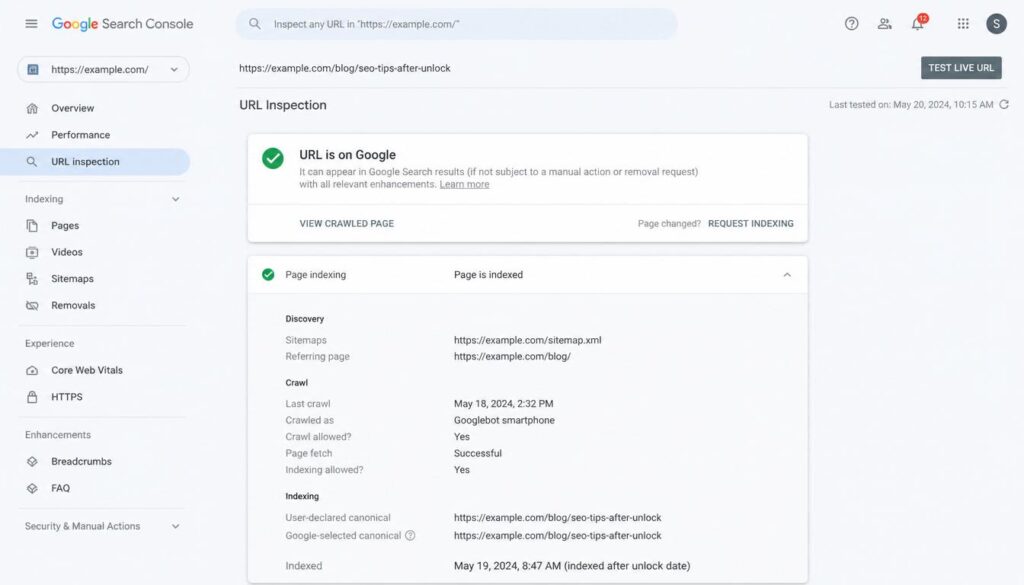
The SEO concern is real if you use a content lock as a permanent paywall without any publicly visible content on the page. If Googlebot visits a page and sees only “This content is locked — log in to read” with nothing else, it has nothing to index. That page won’t rank for anything.
But that’s a different use case from date-based dripping. If your lesson post unlocks on Day 3 and stays unlocked forever after, the SEO window is three days — a tiny fraction of the post’s lifetime. After Day 3, the content is fully visible to crawlers and indexable normally.
For time-limited drip content (course lessons, onboarding sequences, seasonal content), the lock is temporary. The content is fully crawlable after unlock. SEO impact is minimal to none.
Keep the page title and meta description visible. Timed Content Locker locks the post body content — the title, URL, and meta description remain intact. This means the page can still be indexed with its basic metadata even while locked. Once unlocked, the full content reinforces the title and description already in the index.
Don’t lock content indefinitely. If you’re using a lock as a permanent access gate (members-only content with no unlock date), that content won’t rank. Use content locks for time-based drip, not as a permanent paywall for SEO-targeted pages.
Put your keyword-targeted content in the locked body. The content that crawlers will eventually index is the unlocked post. Write it with your SEO keywords as normal. The temporary lock doesn’t change the long-term ranking potential of the post once it’s indexed fully.
Use a meaningful locked message. Even during the lock, the page isn’t a blank wall. The locked message is visible to crawlers. It won’t rank for your target keywords, but it won’t trigger a manual penalty either. A clear “content unlocks on [date]” message is transparent and unambiguous.
If your post has schema markup (FAQ, HowTo, Article), that markup is in the page source regardless of whether the content is locked. A locked post still serves its structured data to crawlers. The rich results won’t appear until the content is indexed after unlock, but the schema won’t be invalidated by the temporary lock.
The bottom line: for time-limited drip content, a content lock does not meaningfully affect SEO. The content becomes fully indexable after unlock, the title and meta are always visible, and the temporary lock window is short relative to the post’s indexed lifetime. Install Timed Content Locker without worrying about your rankings.