
Two of these are switches in the Integrations section. The third needs nothing at all.
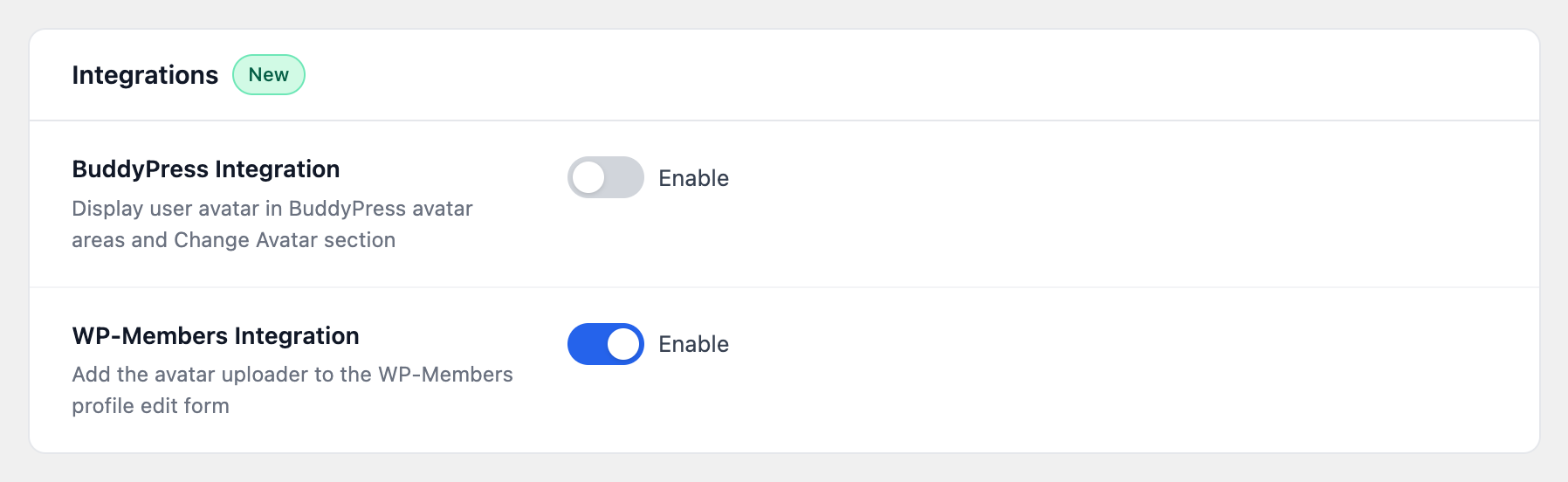
BuddyPress #
With this on, Advanced User Avatar takes over avatar handling in BuddyPress: member profiles and the member directory show the uploaded photo, and the Change Avatar screen uses this plugin’s uploader, with the same crop and webcam steps as the rest of your site.
Switching it on also turns off BuddyPress’s own avatar uploads, so members are not offered two different uploaders that disagree with each other. Switching it back off restores BuddyPress’s uploader.
If BuddyPress is not installed, this setting does nothing — and nothing is written to BuddyPress’s own options either.
WP-Members #
With this on, the uploader is inserted into the WP-Members profile edit form, so members set their photo on the same form they use for the rest of their details. No template editing is required.
By default the field is added at the top of the form. A developer can move it with the wpmake_advance_user_avatar_wpmembers_row_position filter.
Better Messages #
Nothing to switch on. Better Messages asks WordPress for avatars in the ordinary way, so uploaded photos appear in the chat interface as soon as they exist.
The same is true of most well-behaved plugins and of block themes: anything that asks WordPress for an avatar gets the uploaded photo, without an integration setting of its own.


