
Cropping Interface #
On by default, and in the Upload & Image section. When a user picks a photo, they get a square crop they can drag, resize and zoom before saving, with a live preview at the sizes the photo will actually be shown at.
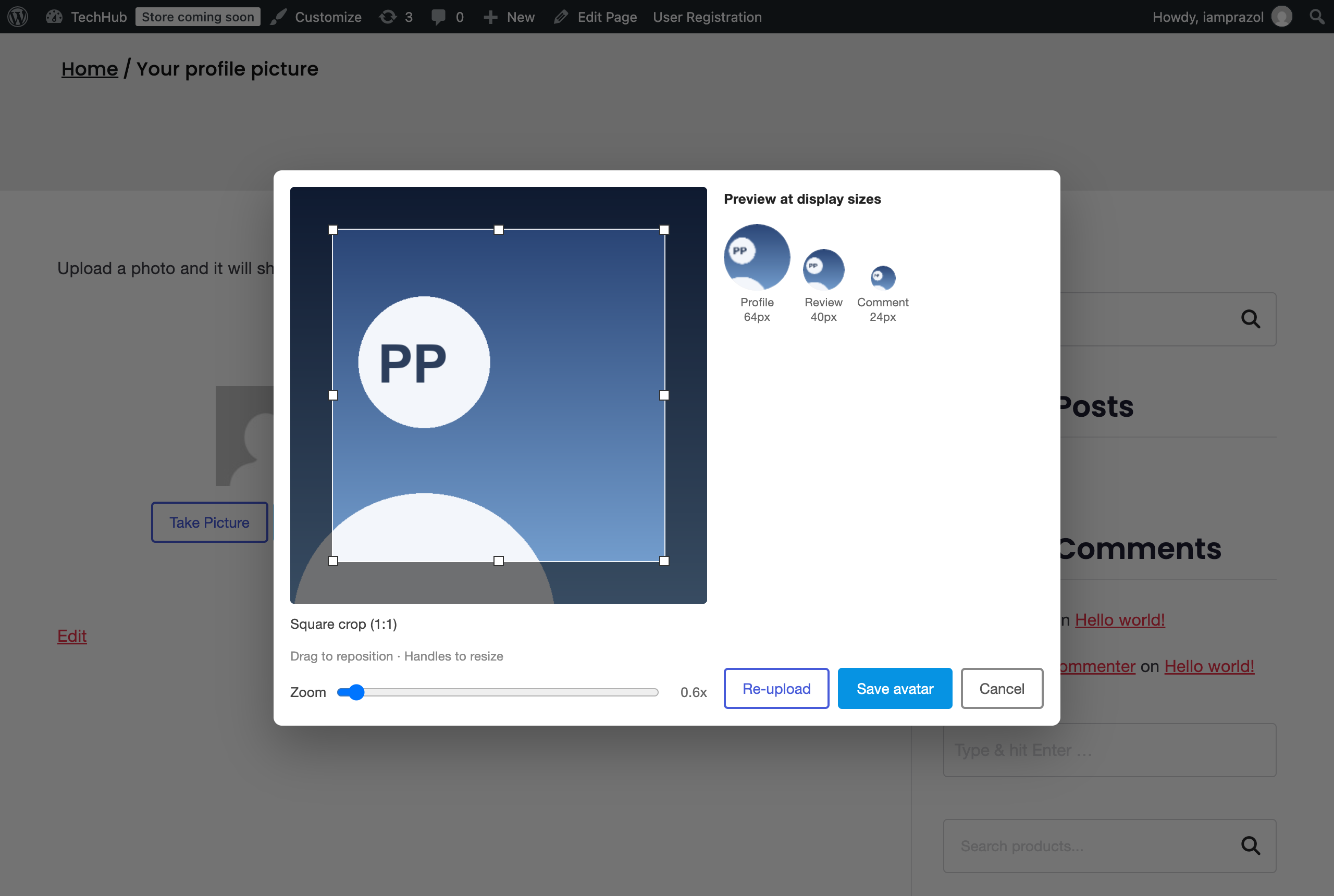
Cropping happens in the browser, so the file that reaches your server is already square and already the size you set. Turn it off and the original is uploaded as it is, then resized on the server — quicker for the user, but they have no say over which part of the photo becomes their avatar.
Photos taken on a phone carry orientation information that browsers read inconsistently. The cropper honours it, so a portrait photo does not end up on its side.
Webcam capture #
Off by default, in the Capture Picture section. When on, the uploader gains a Take Picture button that opens the device camera and captures a still, which then goes through the same crop step as a file.
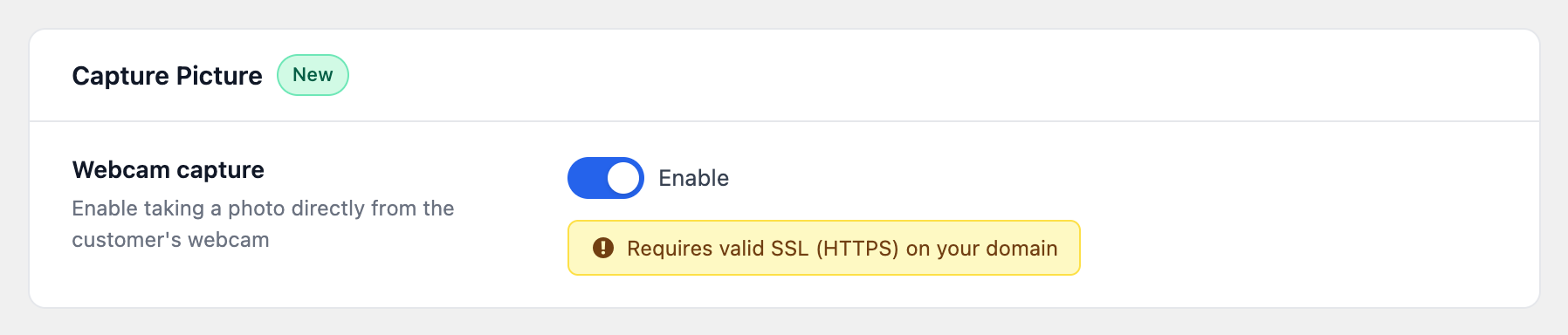
Your site must be served over HTTPS. Every current browser refuses camera access on a plain http:// page, and there is nothing the plugin can do about that. If your site is not on HTTPS yet, leave this off — the button would appear and then fail.
The user is also asked for permission by their browser the first time. If they decline, the uploader tells them so and the file upload route still works.
Webcam capture loads an extra script, and it is only loaded when this setting is on. Most sites never need it, which is why it is off to begin with.


