
An avatar can be removed from any of the places it can be set.
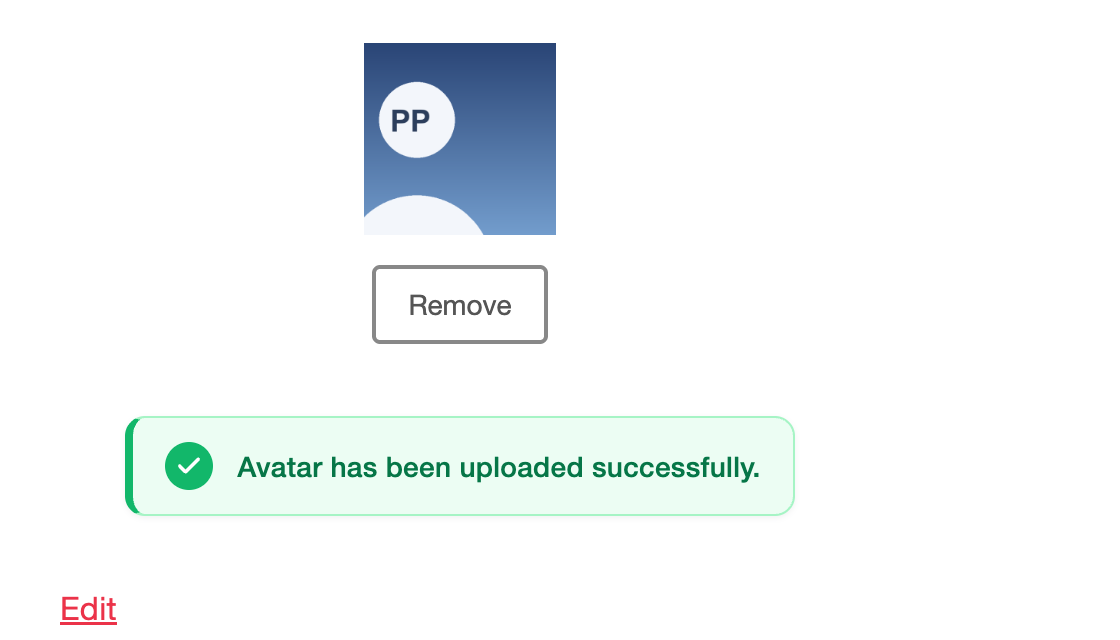
- The front-end uploader — the user presses Remove under their picture and confirms.
- Users → Profile — press Remove, then Update Profile.
- Users → Users Avatar → Manage Avatars — press Remove on that person’s row and confirm.
What happens #
The link between the user and the image is cleared. That person immediately falls back to whatever WordPress would show without the plugin, which for most people is a Gravatar silhouette. Every place their avatar appears updates at once — no cache to clear.
What does not happen #
The image file is not deleted. It stays in your media library, and an image chosen from the library is left exactly as it was — which matters, because the same image may be in use elsewhere on the site or be another user’s avatar.
To delete the file as well, remove the avatar and then delete the attachment from Media. If you delete the attachment first, the plugin notices and clears the reference for you, so nobody is left pointing at a file that no longer exists.
Removing an avatar is per user. To clear photos for everybody at once, see Data retention and uninstalling.


