
By default, WordPress asks an outside service for your users’ profile pictures. Every time a page shows an avatar, WordPress sends a hashed version of that person’s email address to Gravatar and displays whatever comes back — which, for most people, is a grey silhouette.
Advanced User Avatar replaces that. Your users upload a photo from their own device, you store it in your own media library, and it appears everywhere WordPress would normally render an avatar.
What your users see #
An upload widget you can put on any page, in the block editor or with a shortcode. They pick a photo, position it in a square crop, and save.
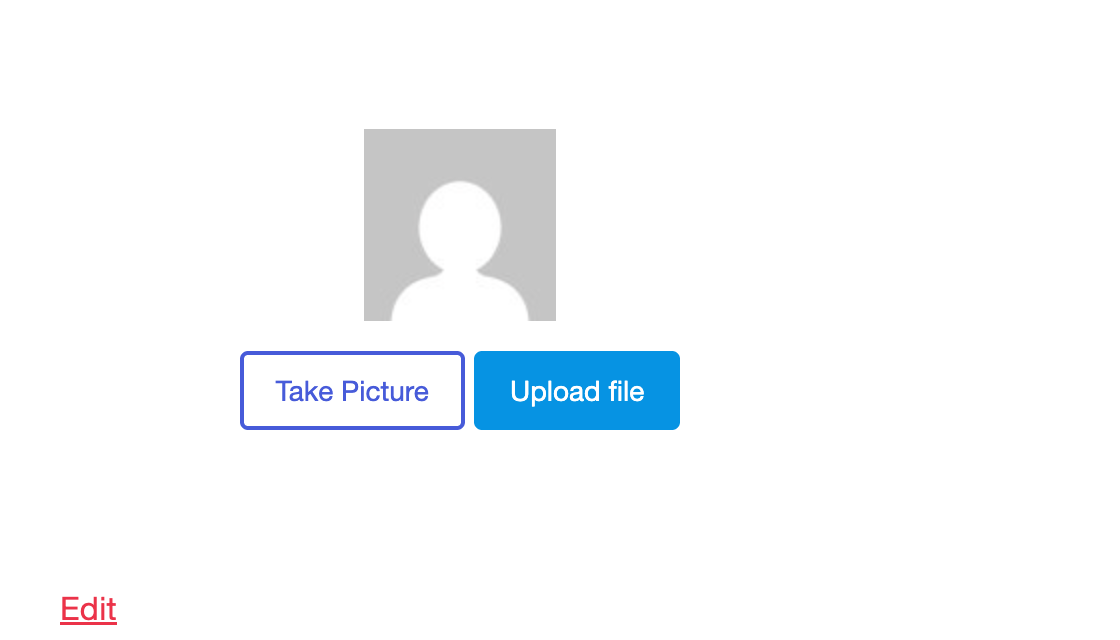
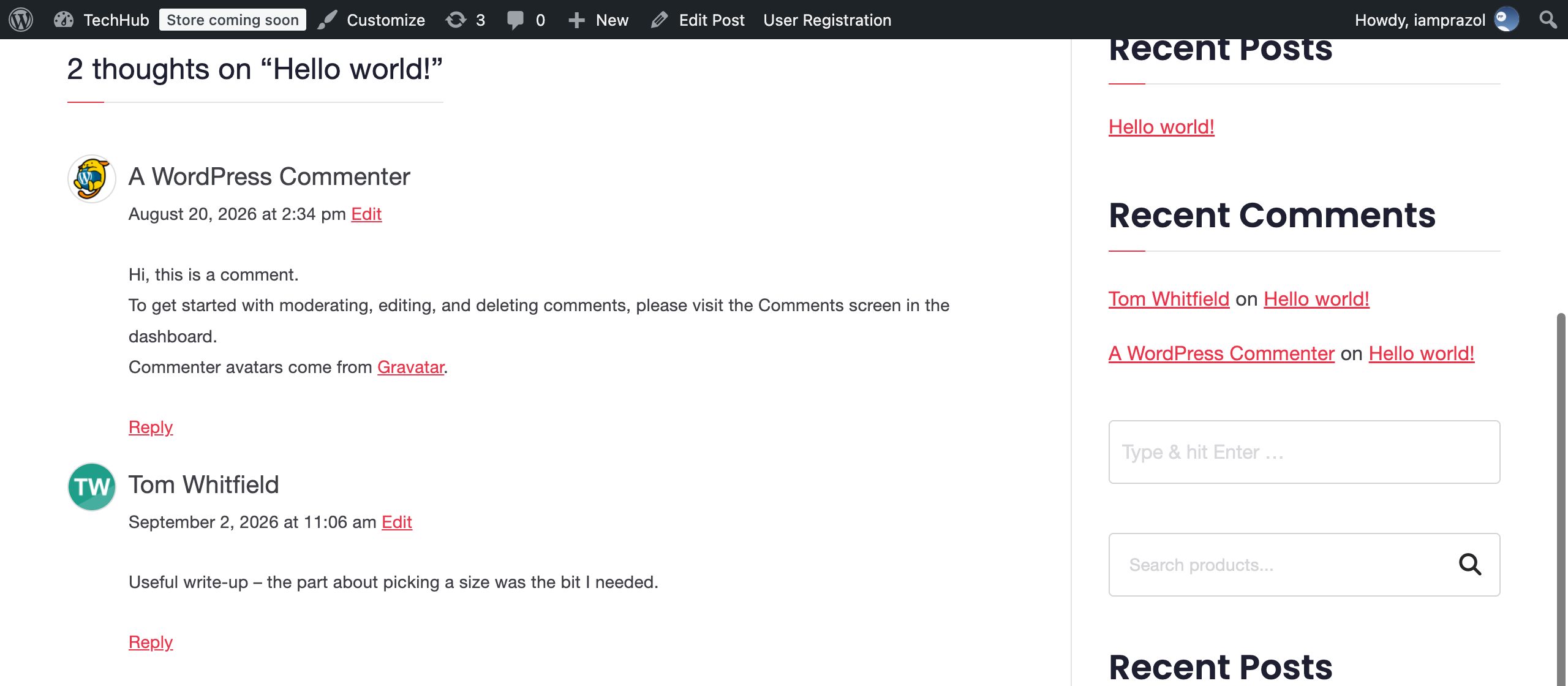
From then on their photo is used wherever their name appears — comments, author boxes, the admin bar, the Users list, the REST API, and the WooCommerce account pages.
What you get as the site owner #
- A settings screen at Users → Users Avatar where you decide what may be uploaded and where avatars appear.
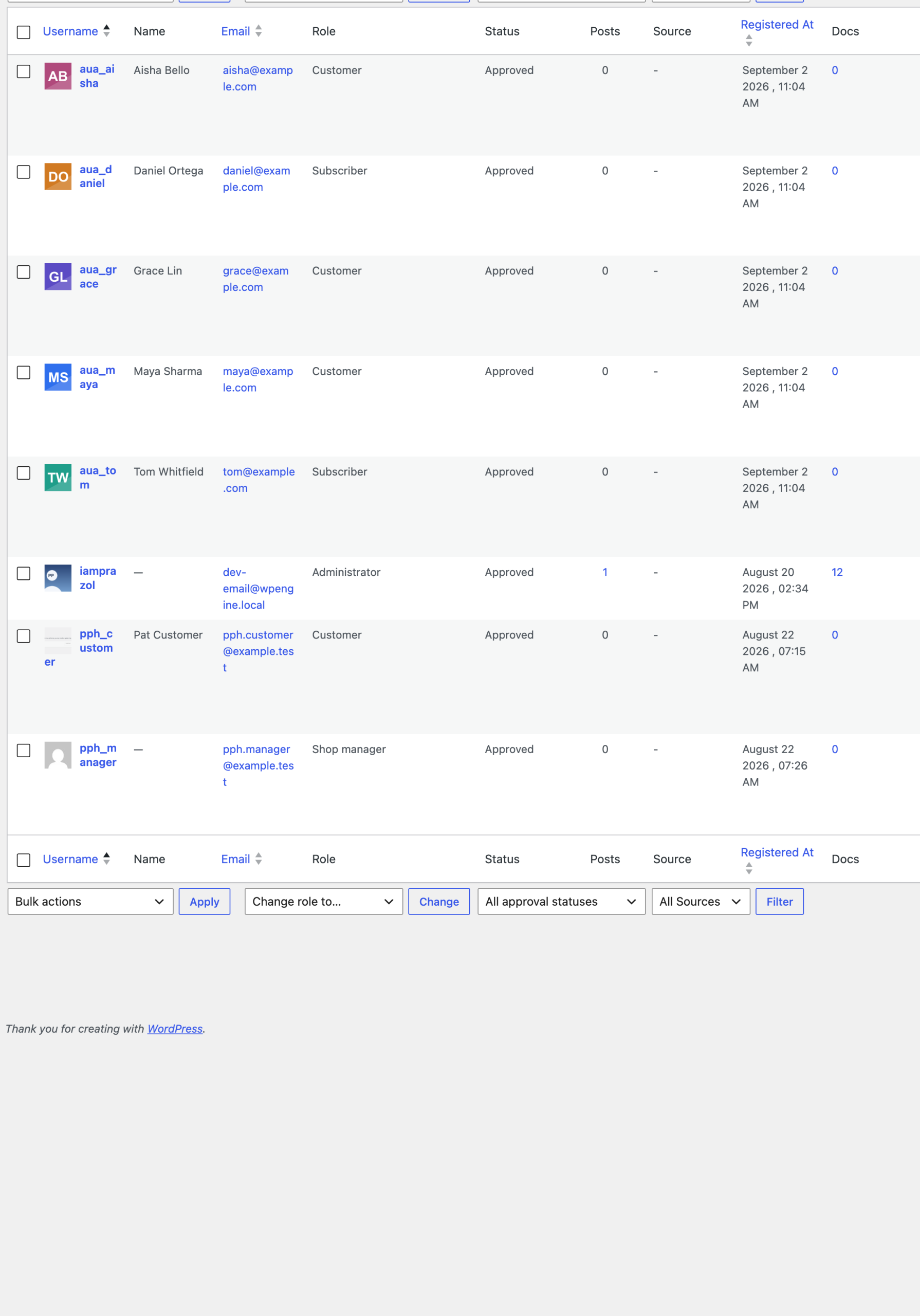
- A bulk avatar manager listing every user with their current picture, so you can set or clear a photo on someone’s behalf.
- A field on the profile screen, at Users → Profile, which is where most people look first.
- Integrations for WooCommerce, BuddyPress, WP-Members and Better Messages, each switched on separately.
Nothing leaves your site #
Every photo is an attachment in your own media library, served from your own domain. The plugin makes no request to Gravatar or any other third party, and no hashed email address leaves your site to fetch a picture.
Users who have not uploaded anything are unaffected: WordPress keeps using Gravatar for them, exactly as before. The plugin only steps in when there is a photo to show.
What it deliberately does not do #
It does not import anybody’s Gravatar, it does not generate avatars from initials, and it never deletes a photo from your media library when an avatar is removed. Removing an avatar only clears the link between the user and the image.


