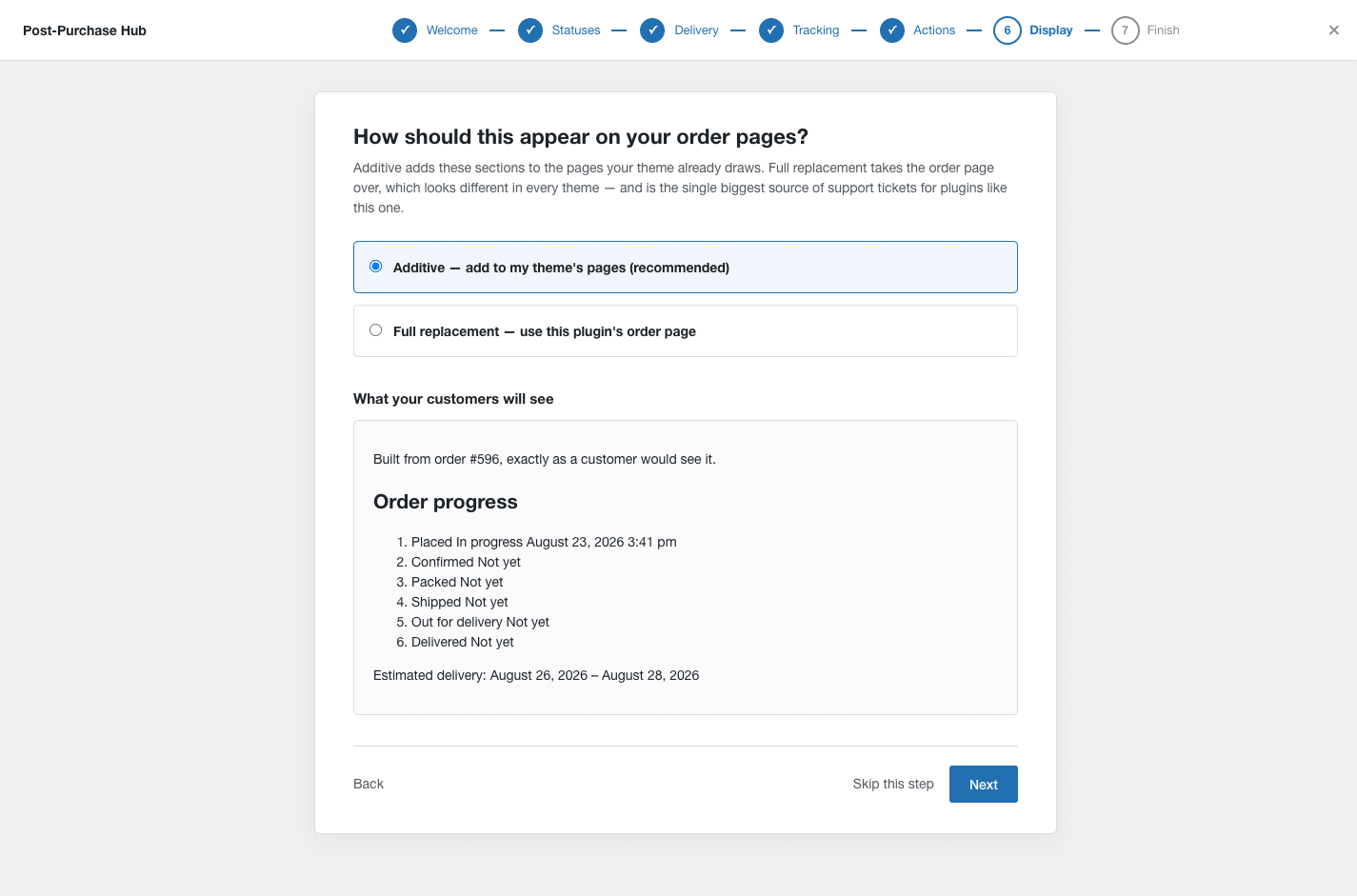
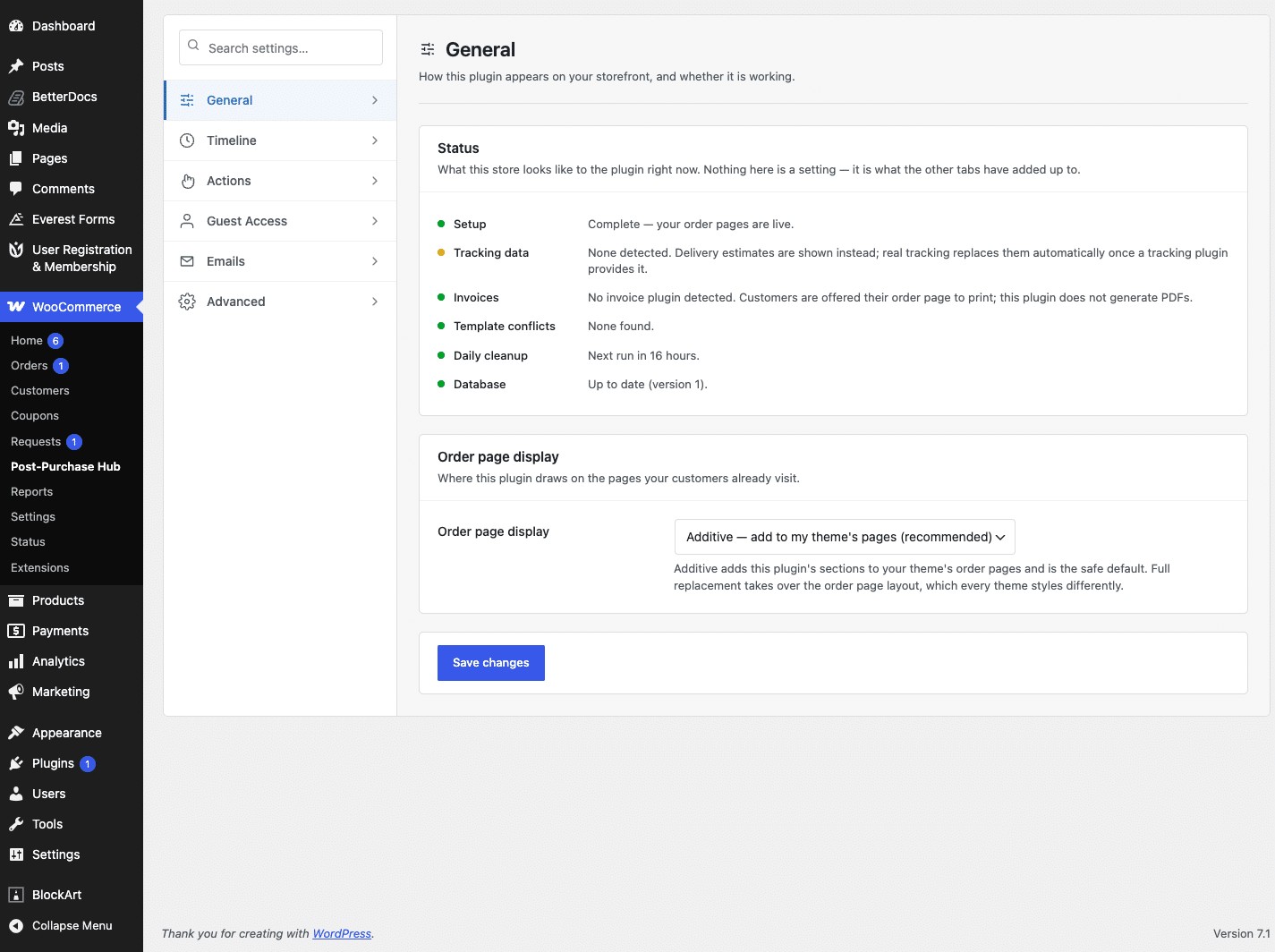
There are two ways the plugin can appear on your order pages, chosen on Settings → General.
Additive (recommended) #
The plugin adds its sections to the order pages your theme already draws, using WooCommerce’s own hooks. Your theme keeps control of the page; the timeline and the action buttons simply appear within it.
This works with every theme and page builder, which is why it is the default.
Full replacement #
The plugin takes over the order page layout entirely. This gives a more consistent result across themes, but it also means your theme’s own order-page styling no longer applies.
Full replacement is the single biggest source of support tickets for plugins of this kind. Try additive first, and only move to full replacement if your theme’s order page is genuinely unusable.
If your theme overrides the order templates #
The Template conflicts row on the status panel tells you if your theme has its own copies of the WooCommerce order templates. While that is true, full replacement stays switched off — choosing it changes nothing until the conflict is resolved, rather than producing a broken page.
You will see a warning to that effect on the wizard’s display step and on the settings screen if it applies to your store.