
The settings are at WooCommerce → Post-Purchase Hub → Settings.
How the screen is laid out #
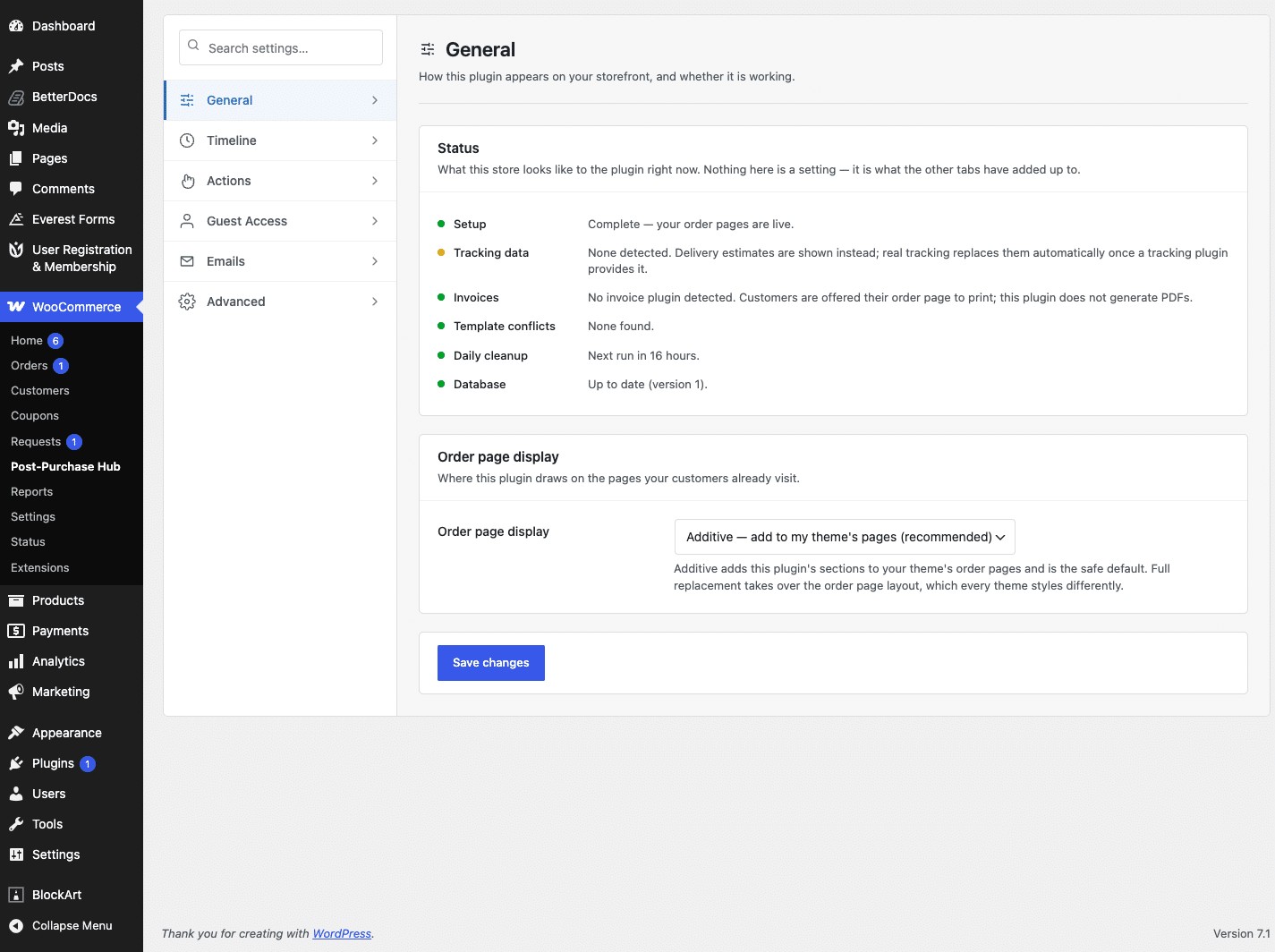
Tabs run down the left. Each tab’s settings are grouped into cards on the right, with related settings kept together and a short explanation on every card.
- General — the status panel, and whether the plugin adds to or replaces your order pages.
- Timeline — the stage map, delivery estimates and your working days.
- Actions — what customers can do, and the rules around cancellation.
- Guest Access — whether customers without an account can find their order.
- Emails — a signpost to where these emails are actually configured.
- Advanced — how long request history is kept, and what happens on uninstall.
Finding a setting quickly #
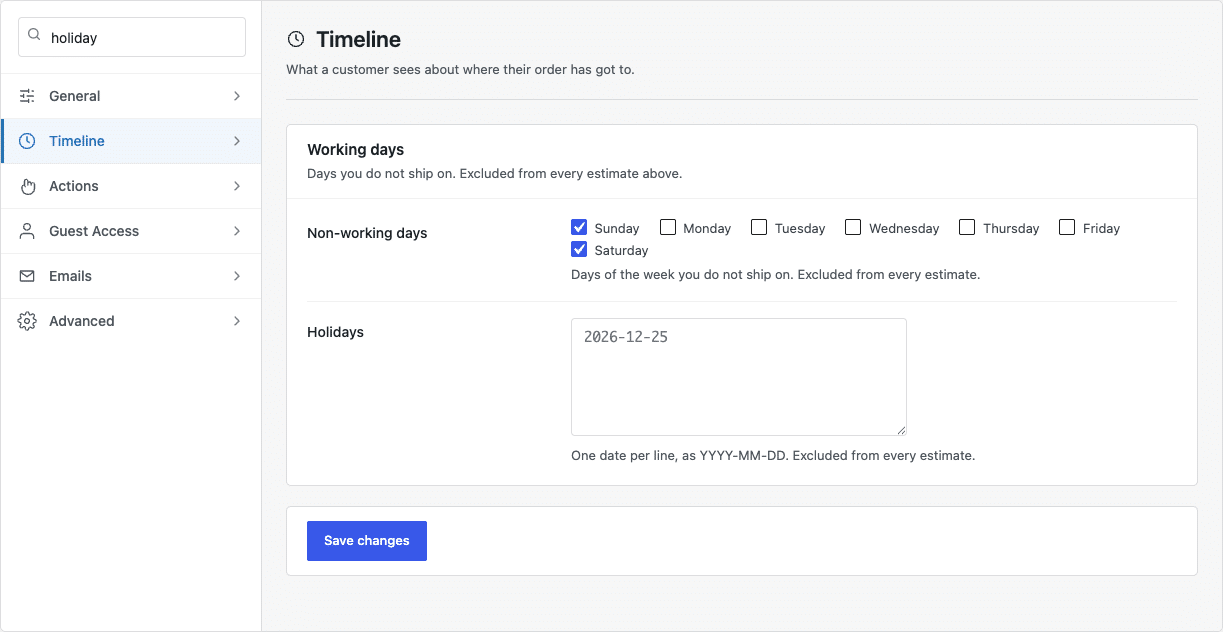
If you cannot remember which tab a setting is on, type into the search box at the top of the list. It filters the current tab as you type and hides any card with nothing left in it.
Saving #
Each tab saves on its own. Changing something on Timeline and pressing Save changes leaves every other tab untouched, so you never have to worry about losing a setting you cannot see.
Finding your way around the settings


