
Worth knowing in detail, because it is what your students actually experience — and it decides how you should word your message.
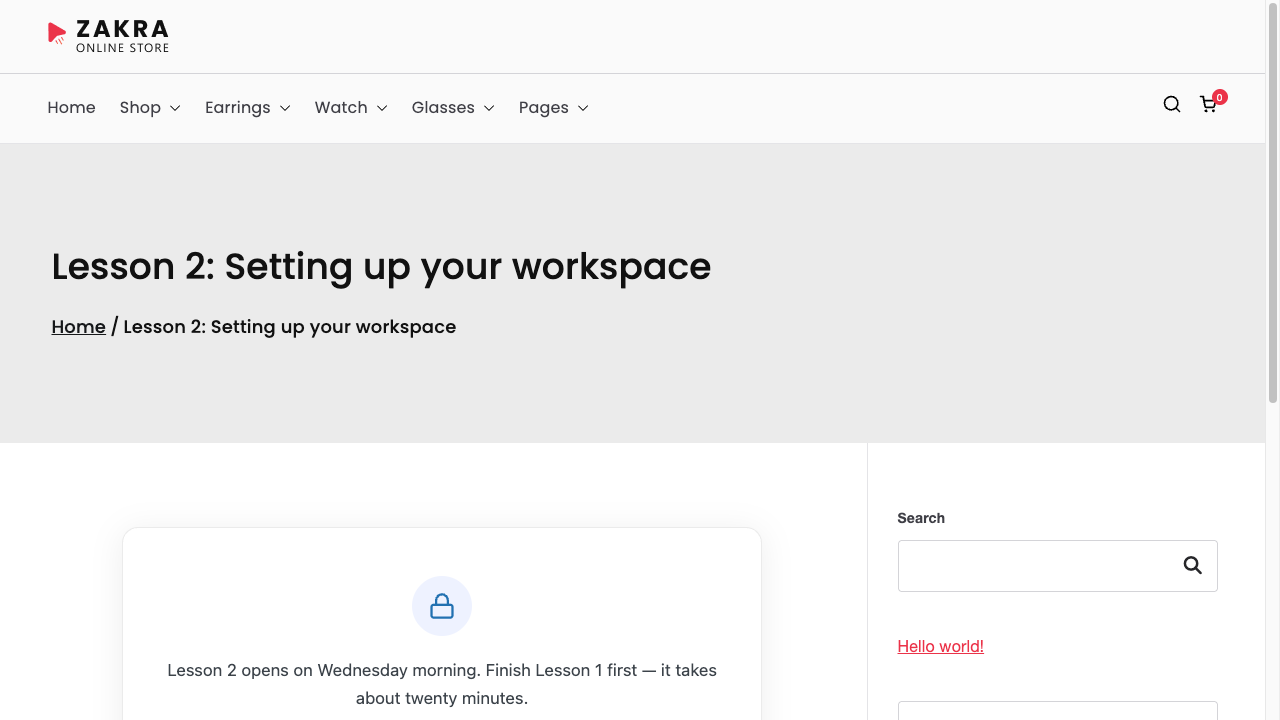
The locked card #
In place of the content: a lock icon, your message, the countdown if it is switched on, and the call-to-action button if you set one. Everything else on the page — header, menu, sidebar, footer — is untouched.
The three countdown styles #
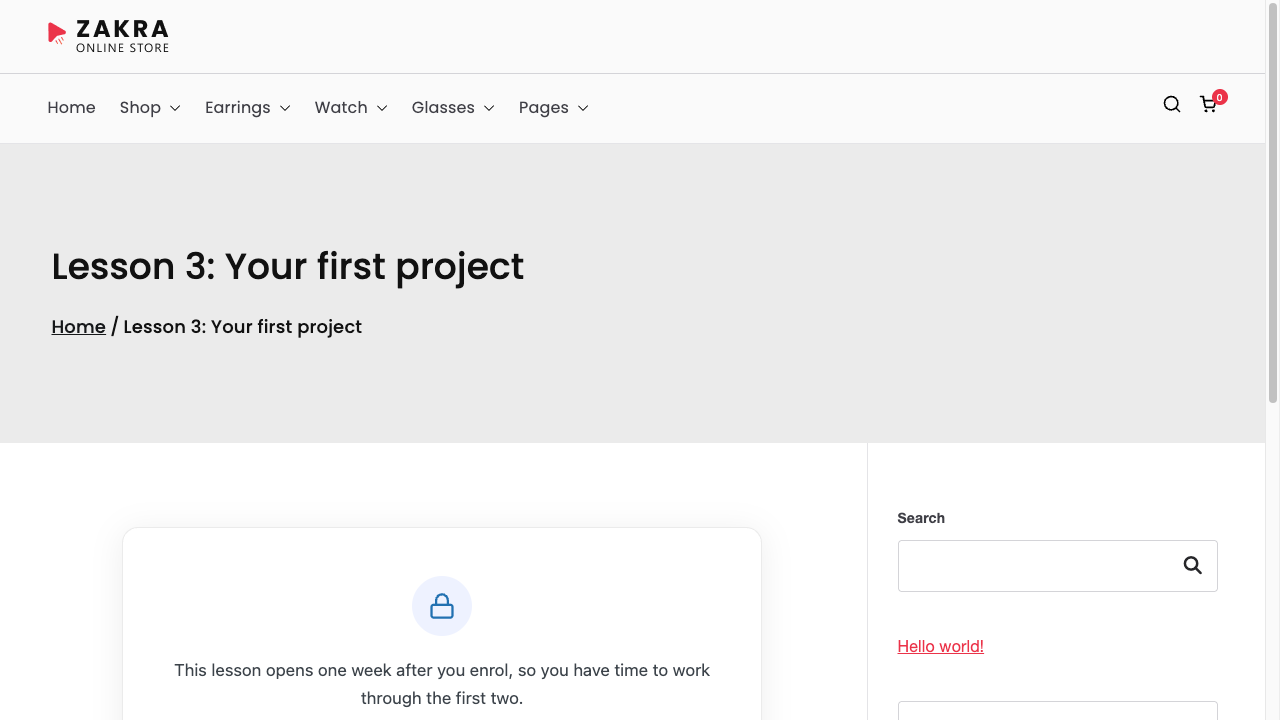
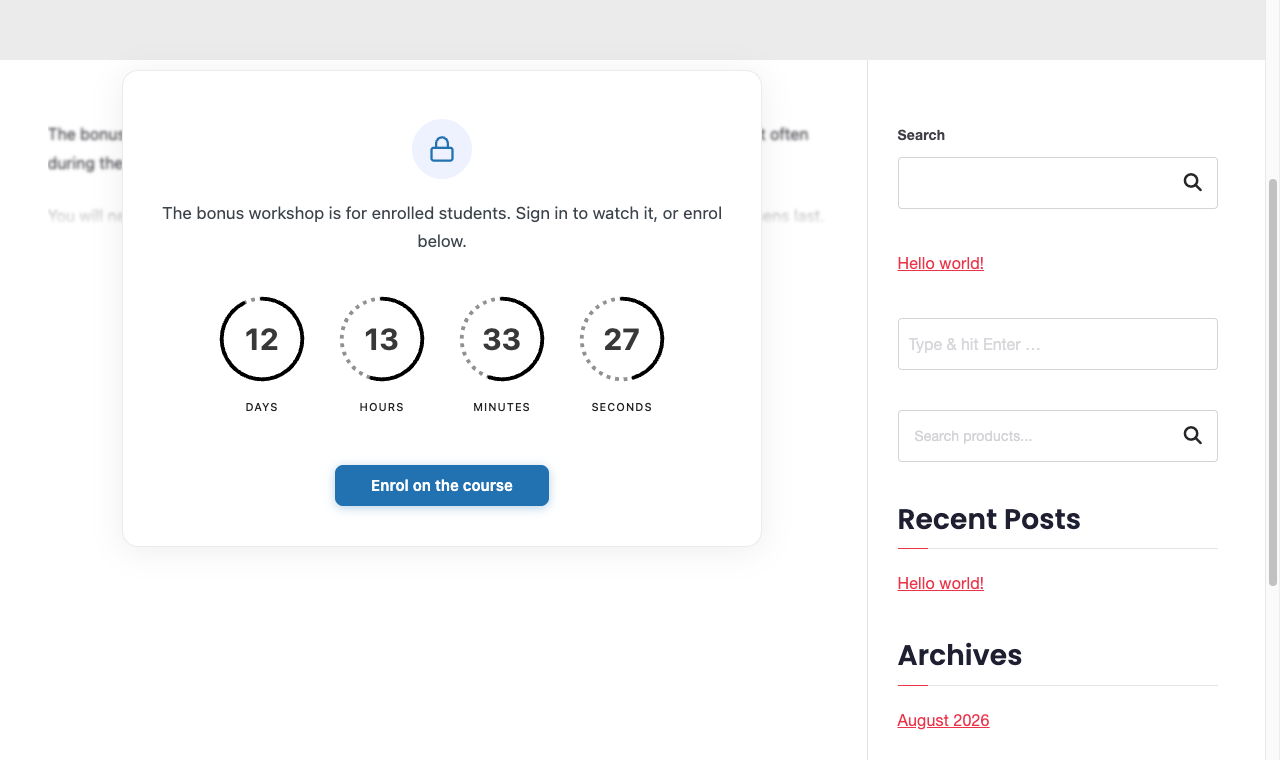
All three count the same thing and update every second. Pick by how loud you want the wait to feel.
The moment it opens #
When the countdown reaches zero, the card is replaced — on the spot, with no page reload — by a short notice and a link.
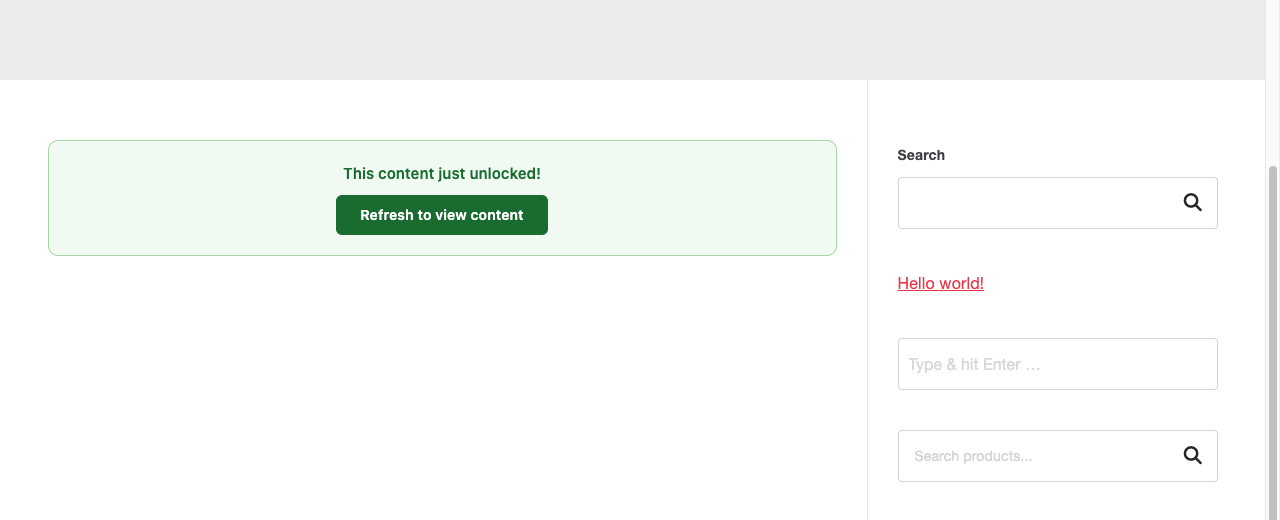
The refresh is a manual step. The page does not reload itself, and the content is not quietly swapped in behind the notice — the reader has to click. Somebody sitting on the page at the unlock minute will see this; somebody arriving a minute later just sees the content.
Comments while locked #
A locked page closes its comment form and hides existing comments, so a discussion cannot spoil content the reader has not reached. Comments come back with the content.
Writing a message worth reading #
- Say when, not just “not yet” — the countdown gives the number, your words give the reason.
- Give them something to do meanwhile, and point the button at it.
- If the lock is by role, remember the reader may not know why they are seeing it — say so plainly.


